
Bank of India Customer Service Center
Main Banking Services Available at BOI Customer Service Center
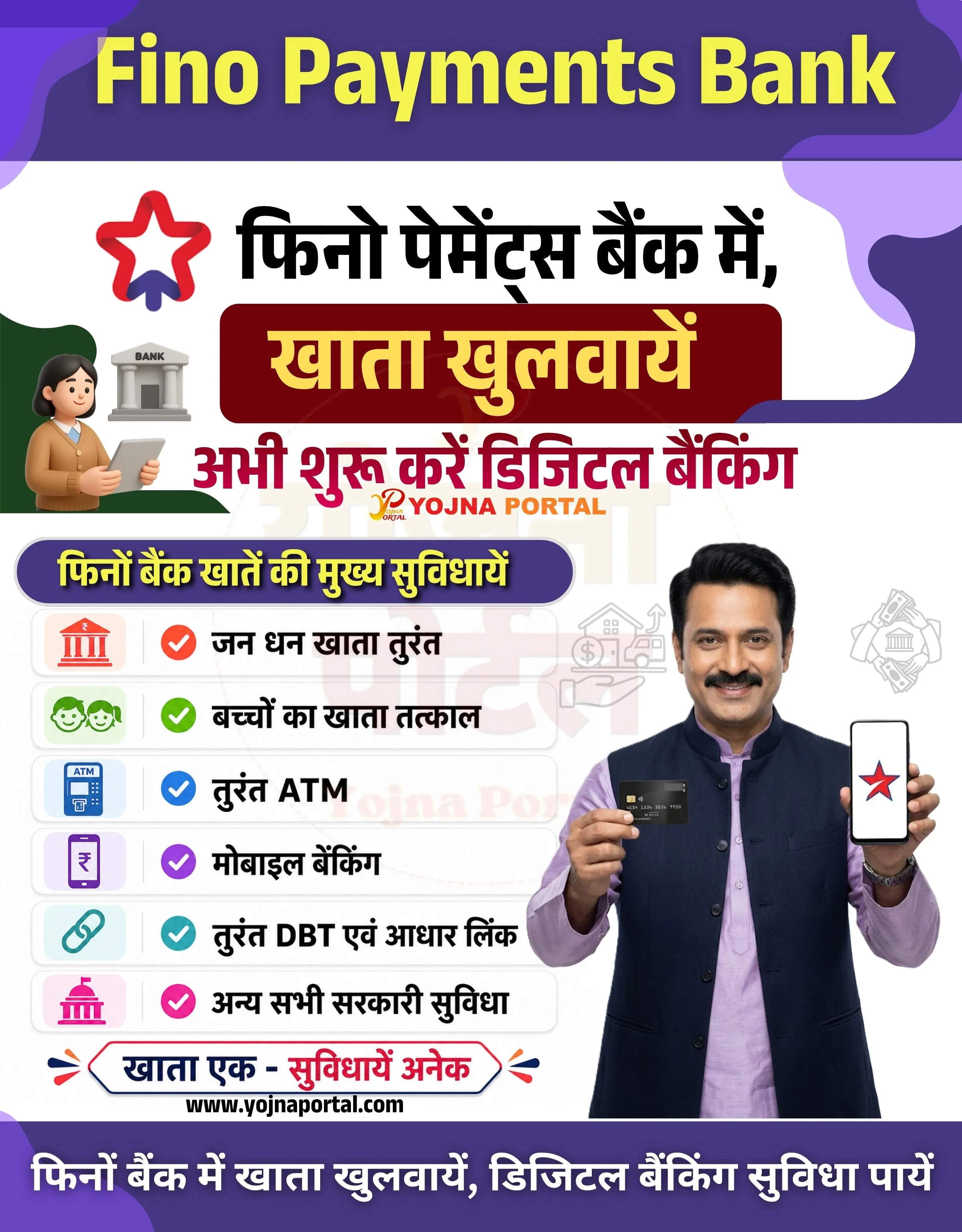
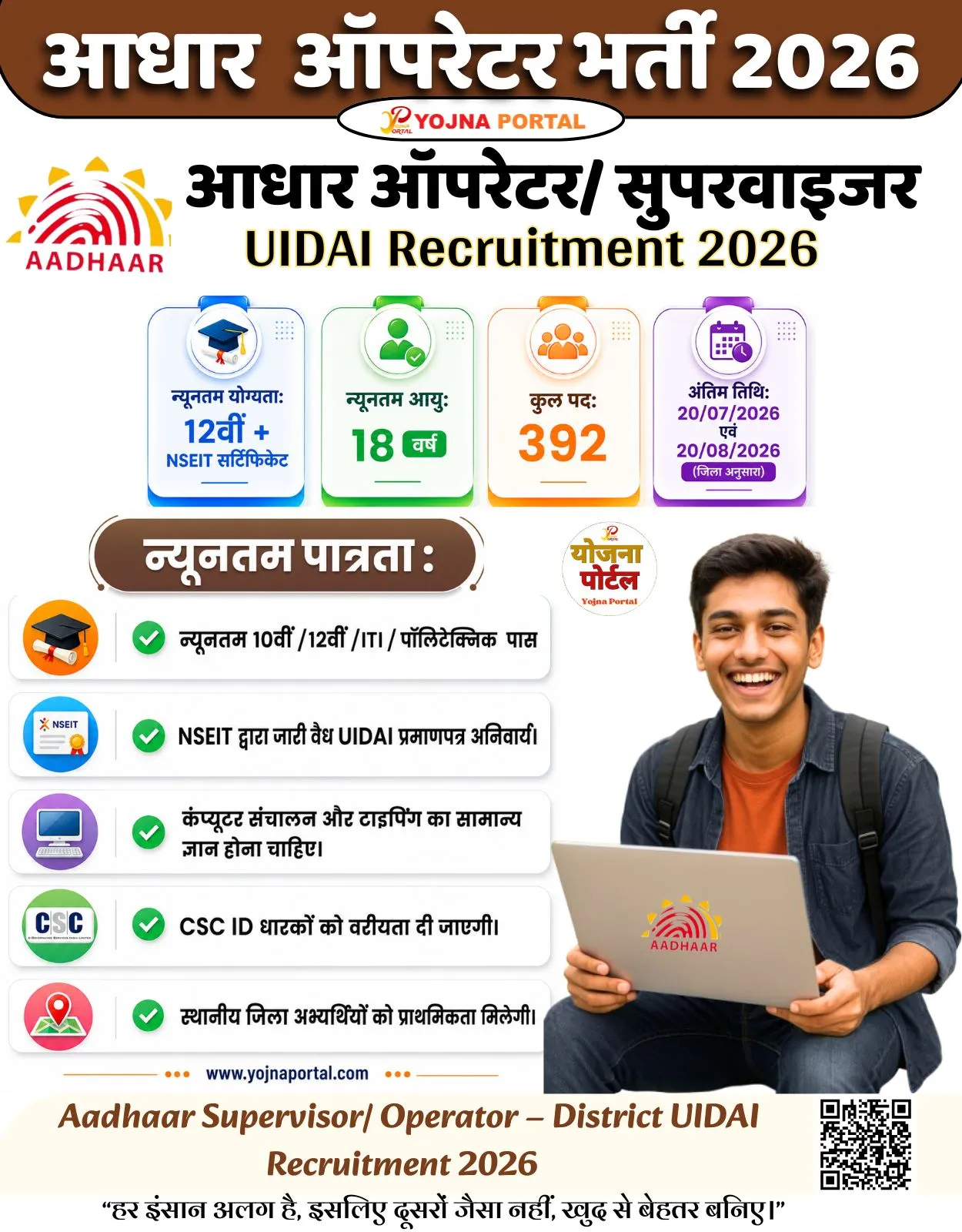
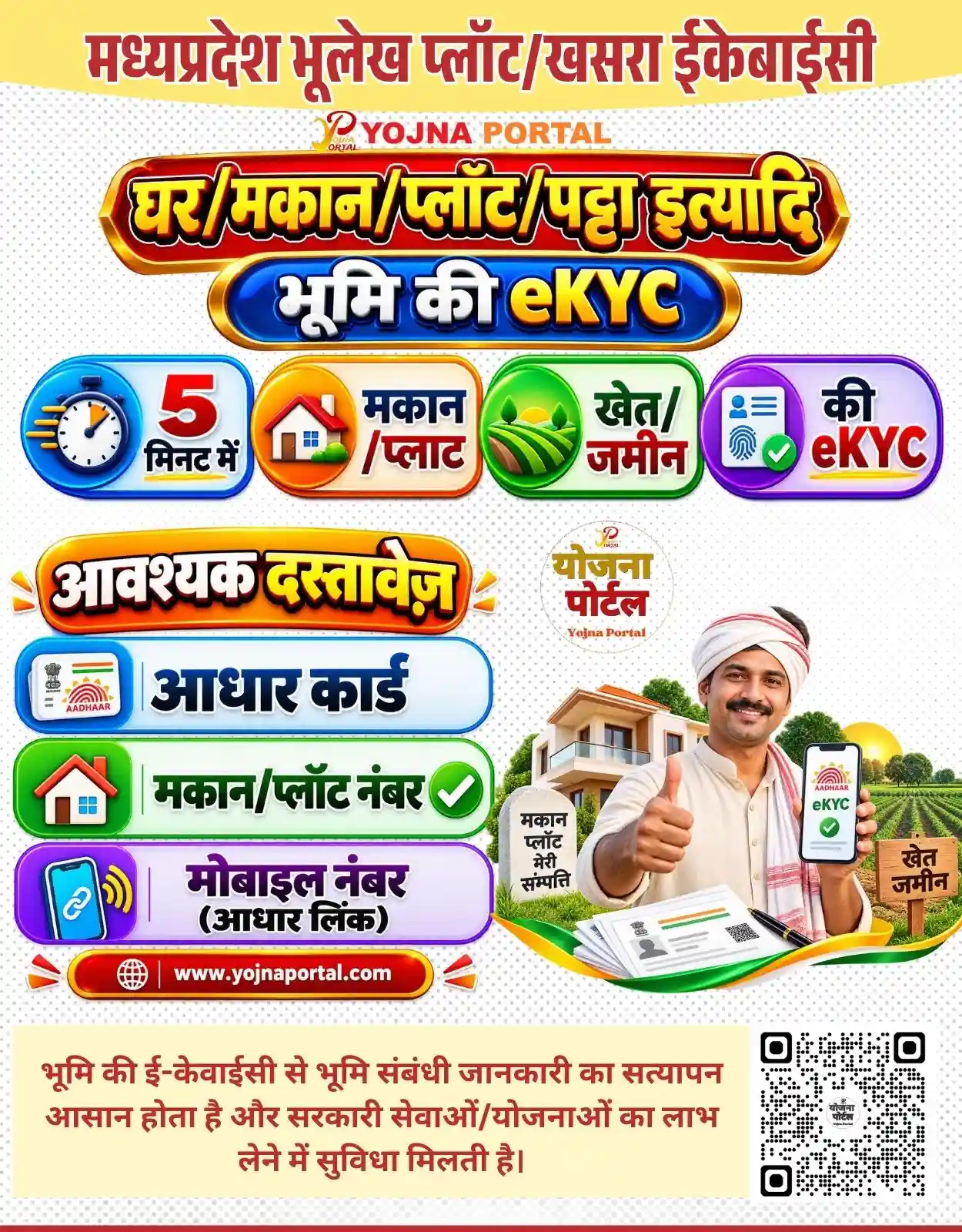
BOI- Bank of India- CSP Related Poster Details
⚠️ Disclaimer: 🎯 This poster is created for informational and awareness purposes only.
👉 Bank logos, names, and related graphics belong to their respective owners and departments.
📢 Short Sharing (Hindi)
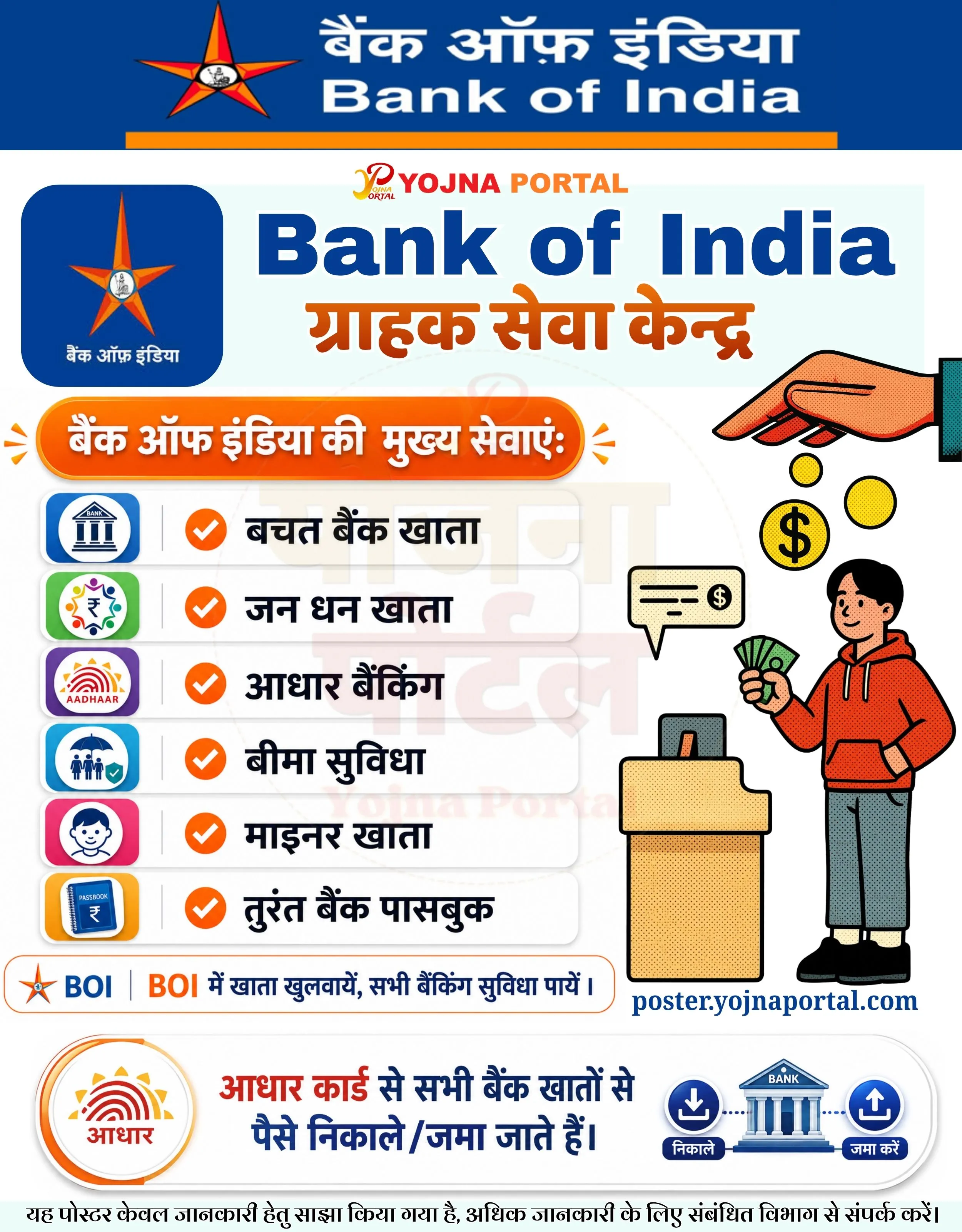
🚨 बैंक ऑफ इंडिया ग्राहक सेवा केंद्र
💰 बचत खाता, जन धन खाता, आधार बैंकिंग सहित कई सुविधाएं उपलब्ध।
📢 आधार कार्ड से पैसे निकाले और जमा करें।
👉 http://www.yojnaportal.com
📢 Full Sharing (Hindi)
🚨 बैंक ऑफ इंडिया ग्राहक सेवा केंद्र

💰 बैंक ऑफ इंडिया की मुख्य सेवाएं अब आपके नजदीक।
📢 बचत खाता, जन धन खाता, आधार बैंकिंग एवं बीमा सुविधा उपलब्ध।

📄 सुविधाएं:
✔ बचत बैंक खाता
✔ जन धन खाता
✔ आधार बैंकिंग
✔ बीमा सुविधा
✔ माइनर खाता
✔ तुरंत बैंक पासबुक

💳 आधार कार्ड से सभी बैंक खातों से पैसे निकाले/जमा किये जाते हैं।

👉 अधिक जानें: http://www.yojnaportal.com

#BankOfIndia #BOI #AadhaarBanking #JanDhanYojana #CustomerServiceCenter
Open Your BOI Account and Get Complete Banking Services
✨BOI- Bank of India- CSP Key Highlights
- Savings Bank Account Opening Facility
- Jan Dhan Account Service Available
- Aadhaar Enabled Banking Services
- Insurance and Minor Account Facility
📌 Important Details of BOI- Bank of India- CSP
- Customers can withdraw and deposit money using Aadhaar linked bank accounts
- Instant bank passbook service is available at the center
- Basic banking services are available for all customers
- Visit the nearest BOI Customer Service Center for account-related assistance
📖 About BOI- Bank of India- CSP Poster
Bank of India Customer Service Centers provide multiple banking facilities to customers in rural and urban areas.
The poster promotes easy banking services such as account opening, Aadhaar banking, insurance, and cash withdrawal/deposit services.
🧠 BOI- Bank of India- CSP / Banner Generation Prompt
Create a highly detailed modern Indian banking promotional infographic poster in vertical format, approximately 1000x1280 resolution. The overall design should look like a professional government-style banking awareness banner with clean vector graphics, soft shadows, bold typography, and structured sections.

Background:
Use a very light off-white or light gray background with subtle smooth texture. Overall poster should have a clean and modern flat-design aesthetic with balanced spacing.

Top Header Section:
At the very top create a deep royal blue rectangular banner stretching full width. Inside this header:

• On the left side place the official-style orange and blue star logo of Bank of India.
• On the right side place large bilingual text:

* Hindi text in white bold font: "बैंक ऑफ इंडिया"
* Below it English text in bold white font: "Bank of India"
  • Use modern bold sans-serif typography.
  • Add a thin orange horizontal divider line below the blue header section.

Main Branding Section:
Below the top header create a large light-cyan or pale blue rectangular content area.

Left Side:
• Place a rounded square blue app-style icon card containing the Bank of India star logo.
• Under the logo place small Hindi text in white:
"बैंक ऑफ इंडिया"

Center/Right:
• Add small red-orange text logo at top:
"YOJNA PORTAL"
• Below it place huge bold blue English text:
"Bank of India"
• Under that add large Hindi orange headline:
"ग्राहक सेवा केन्द्र"
• Typography should be bold, thick, modern, and highly readable.

Right Illustration Area:
• Add a modern flat cartoon vector illustration of a customer standing beside a small banking counter.
• Character should wear an orange hoodie and gray pants.
• Character holds green cash notes in hand.
• Above character place floating golden coins and a large hand dropping coins downward.
• Include a speech bubble with a money symbol.
• Use comic-style dotted shading effect on illustration.

Middle Main Services Section:
Below branding section place an orange rounded pill-shaped header with white bold Hindi text:
"बैंक ऑफ इंडिया की मुख्य सेवाएं:"

Add small orange decorative side marks around the header.

Service Cards Layout:
Under the orange heading create six vertically stacked white rounded cards with soft gray shadow and clean spacing.

Each service row should contain:
• Left aligned colorful square icon with rounded corners.
• Thin gray vertical separator line.
• Orange circular check icon in center-left.
• Bold black Hindi text aligned left.

Services in exact order:

1. बचत बैंक खाता
   Icon: blue bank building icon.

2. जन धन खाता
   Icon: colorful rupee/community icon.

3. आधार बैंकिंग
   Icon: Aadhaar logo in purple square.

4. बीमा सुविधा
   Icon: insurance/family umbrella icon in blue square.

5. माइनर खाता
   Icon: child face icon in pink square.

6. तुरंत बैंक पासबुक
   Icon: blue passbook icon in yellow square.

Cards should be glossy clean UI style with subtle shadow and rounded corners.

Lower CTA Strip:
Below service cards create a long rounded white strip with orange border.

Inside:
• Left side place BOI star logo and blue text "BOI"
• Main CTA text in Hindi:
"BOI में खाता खुलवायें, सभी बैंकिंग सुविधा पायें ।"
• Use orange and dark blue mixed typography.

Website Branding:
Below CTA place blue website text:
"posteryojnaportal.com"

Bottom Aadhaar Banking Section:
Create a large rounded white panel with light shadow.

Left:
• Large Aadhaar logo inside circular orange-bordered badge.

Center:
• Large Hindi message in blue and orange:
"आधार कार्ड से सभी बैंक खातों से पैसे निकाले/जमा जाते हैं।"

Right:
• Banking transaction icons showing:

* withdrawal icon
* bank building icon
* deposit icon
  • Use blue and white icon style.

Footer:
At the bottom add small Hindi disclaimer text in black:
"यह पोस्टर केवल जानकारी हेतु साझा किया गया है, अधिक जानकारी के लिए संबंधित विभाग से संपर्क करें।"

Style & Design Notes:
• Use ultra-clean vector infographic style.
• Maintain government awareness poster feel.
• Use high contrast Hindi typography.
• Strong orange and blue color theme throughout.
• Add soft shadows behind cards and sections.
• Keep spacing perfectly aligned and visually balanced.
• Use modern flat icons and smooth gradients.
• Ensure all Hindi and English text remains exactly as written.
• No extra objects or unrelated elements.
• High-resolution professional print-ready composition.
WhatsApp Telegram YouTube Facebook Instagram X (Twitter)