
Activate DBT/NPCI in Your Bank Account
Start Direct Benefit Transfer service and receive government scheme money directly in your account
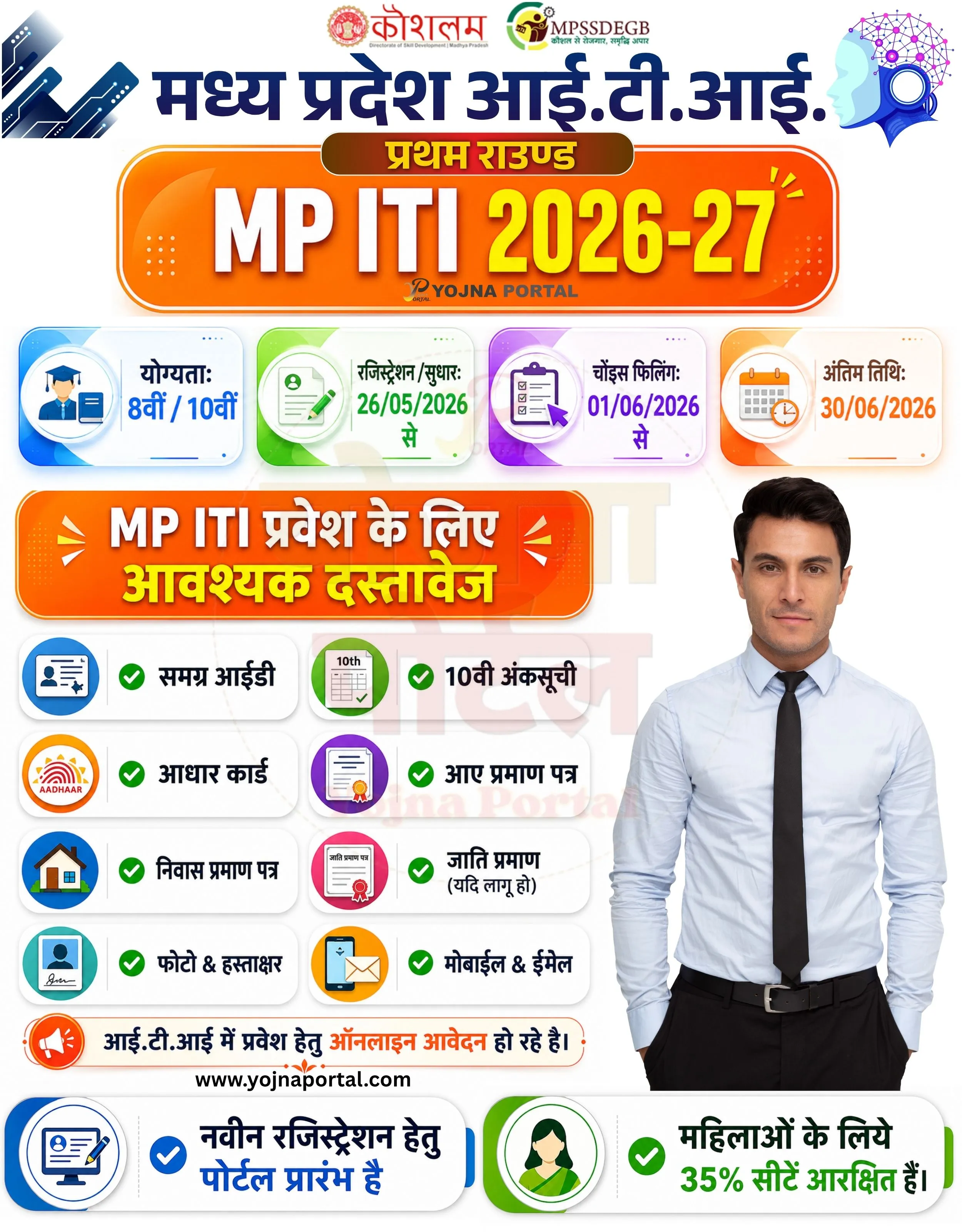
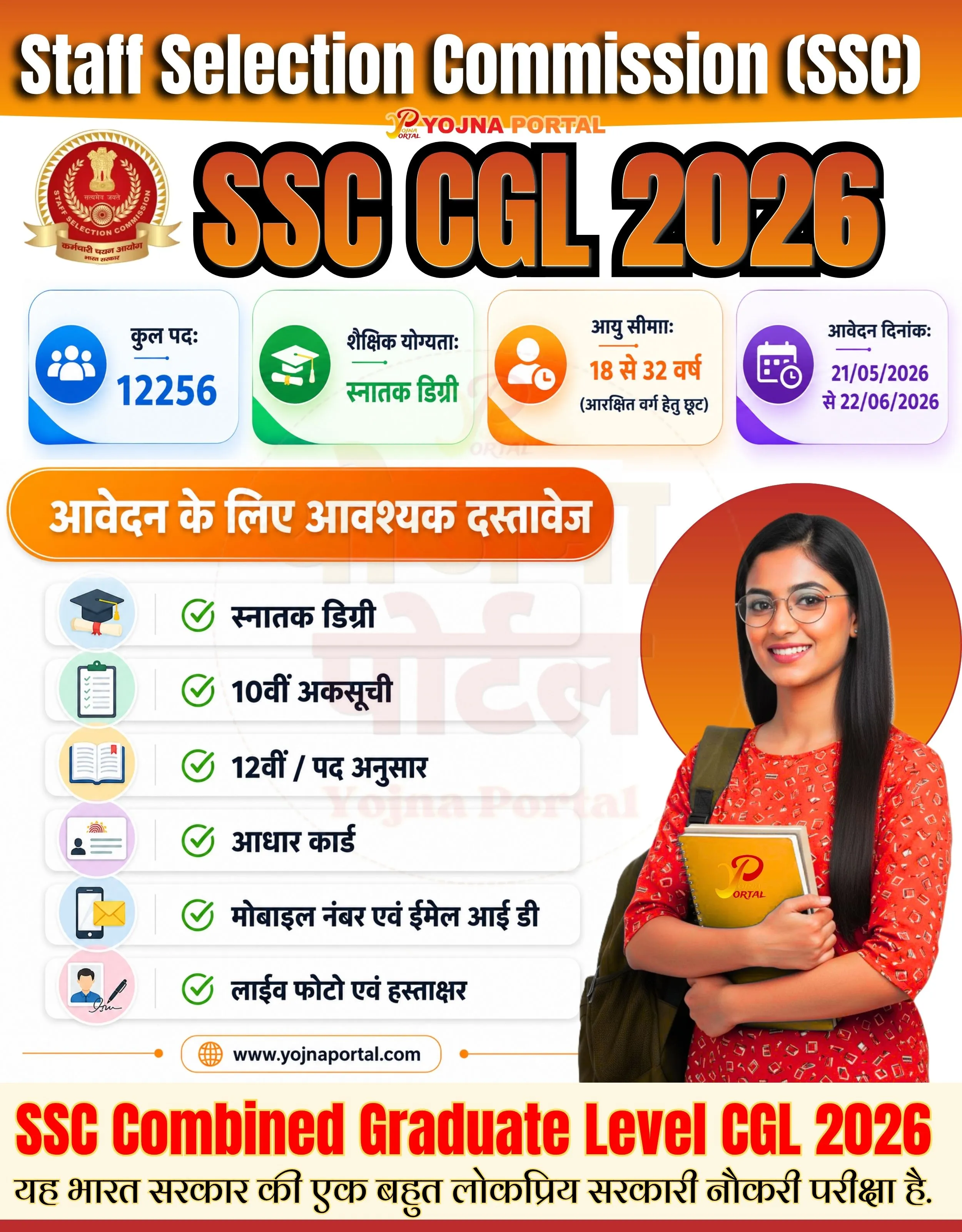
Npci Dbt Update Service Related Poster Details
⚠️ Disclaimer:
यह पोस्टर केवल सामान्य जानकारी प्रदान करने के उद्देश्य से बनाया गया है।
हम यह सुनिश्चित नहीं करते कि ऊपर दी गई सभी जानकारी पूर्णतः सही, सटीक एवं समयानुसार अपडेट हो।
संबंधित विभाग समय-समय पर अपनी आधिकारिक वेबसाइट पर जानकारी में बदलाव कर सकते हैं।
यह वेबसाइट किसी भी सरकारी विभाग, बैंक, संस्था या संगठन की आधिकारिक वेबसाइट नहीं है।
सभी योजनाओं, लोगो, नाम एवं ट्रेडमार्क का अधिकार उनके संबंधित विभागों एवं संस्थाओं के पास सुरक्षित है।
किसी भी आवेदन, पंजीयन या सेवा का लाभ लेने से पहले संबंधित विभाग की आधिकारिक वेबसाइट या कार्यालय से जानकारी अवश्य सत्यापित करें।
🧠 Npci Dbt Update Service / Banner Generation Prompt
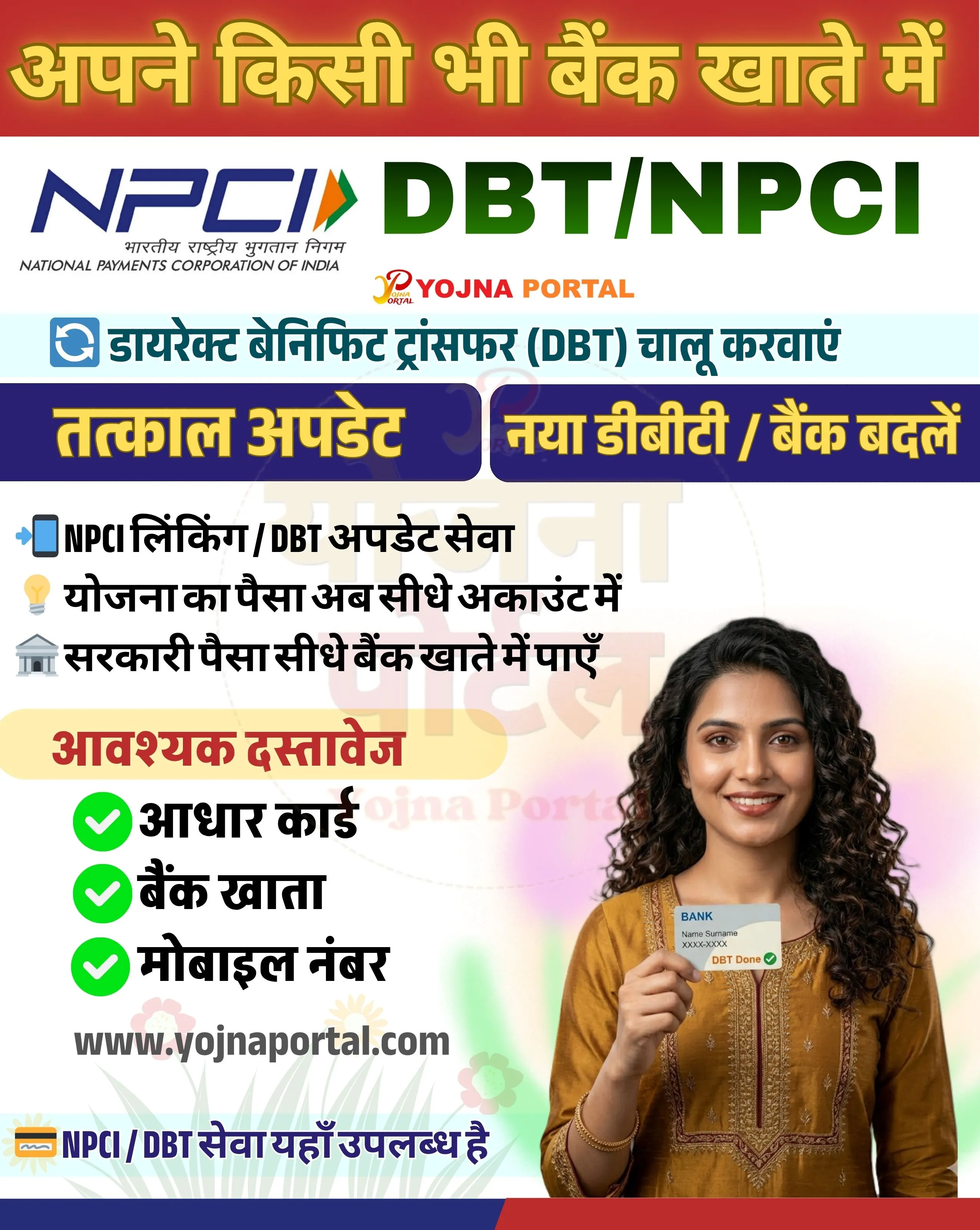
Design a vertical government-style informational poster (approx. 1000x1280 px) with a clean, modern Indian service banner layout.

BACKGROUND:
Top section has a strong red-to-orange gradient background with a smooth blend. Middle section transitions into a light grey/white background. Bottom has a soft decorative gradient with faint floral/abstract shapes in pastel tones.

TOP HEADER:
At the very top, place a large bold Hindi heading in yellow with a slight dark outline/shadow:
"अपने किसी भी बैंक खाते में"
Text should be center-aligned, thick, and highly visible against the red-orange gradient.

Below this, place the NPCI logo on the left (blue text “NPCI” with tricolor arrow symbol) and next to it large bold green text:
"DBT/NPCI"
Under the NPCI logo, include small English text:
"National Payments Corporation of India"

To the right of the logo area, add a small branding text:
"YOJNA PORTAL" in orange/red modern font.

MAIN STRIP:
Below logos, add a light blue horizontal strip with bold Hindi text:
"डायरेक्ट बेनिफिट ट्रांसफर (DBT) चालू करवाएं"
Include a small circular refresh/loop icon on the left.

HIGHLIGHT BUTTONS:
Below the strip, create two rounded rectangular buttons side-by-side:
Left button (dark blue/purple): "तत्काल अपडेट"
Right button (dark blue/purple): "नया डीबीटी / बैंक बदलें"
Text should be bold yellow Hindi font.

CONTENT SECTION (LEFT SIDE):
Create a left-aligned bullet list with icons:

A mobile icon followed by:
"NPCI लिंकिंग / DBT अपडेट सेवा"
A light bulb icon:
"योजना का पैसा अब सीधे अकाउंट में"
A bank building icon:
"सरकारी पैसा सीधे बैंक खाते में पाएं"

DOCUMENT SECTION:
Add a rounded light yellow box with heading in Hindi:
"आवश्यक दस्तावेज"

Below it list items with green check icons:
✔ आधार कार्ड
✔ बैंक खाता
✔ मोबाइल नंबर

RIGHT SIDE HUMAN IMAGE:
Place a realistic smiling Indian woman on the right side (waist-up portrait). She has medium brown skin tone, curly dark hair, wearing a mustard/yellow kurta. She is holding a bank card towards the viewer. The card should have small text:
"BANK"
"Name Surname"
"XXXX-XXXX"
and a green label "DBT Done"
She should appear friendly and confident.

FOOTER:
At bottom-left, include website text in dark grey:
"www.yojnaportal.com
"

Below or near bottom, add a small strip with text:
"NPCI / DBT सेवा यहाँ उपलब्ध है"

STYLE & TYPOGRAPHY:
Use bold Hindi fonts for headings, सरकारी banner style typography. English text in clean sans-serif font. High contrast colors: yellow, green, blue, red. Soft shadows behind text and boxes for depth.

LAYOUT:
Balanced left-text and right-image composition. Clear hierarchy: header → logos → info strip → buttons → content → documents → footer.

Ensure spacing is neat, aligned, and poster looks like an official Indian government service advertisement.
WhatsApp Telegram YouTube Facebook Instagram X (Twitter)