
Airtel Payments Bank – AEPS Banking Services
Instant UPI, Passbook and Aadhaar-based Banking Services Available
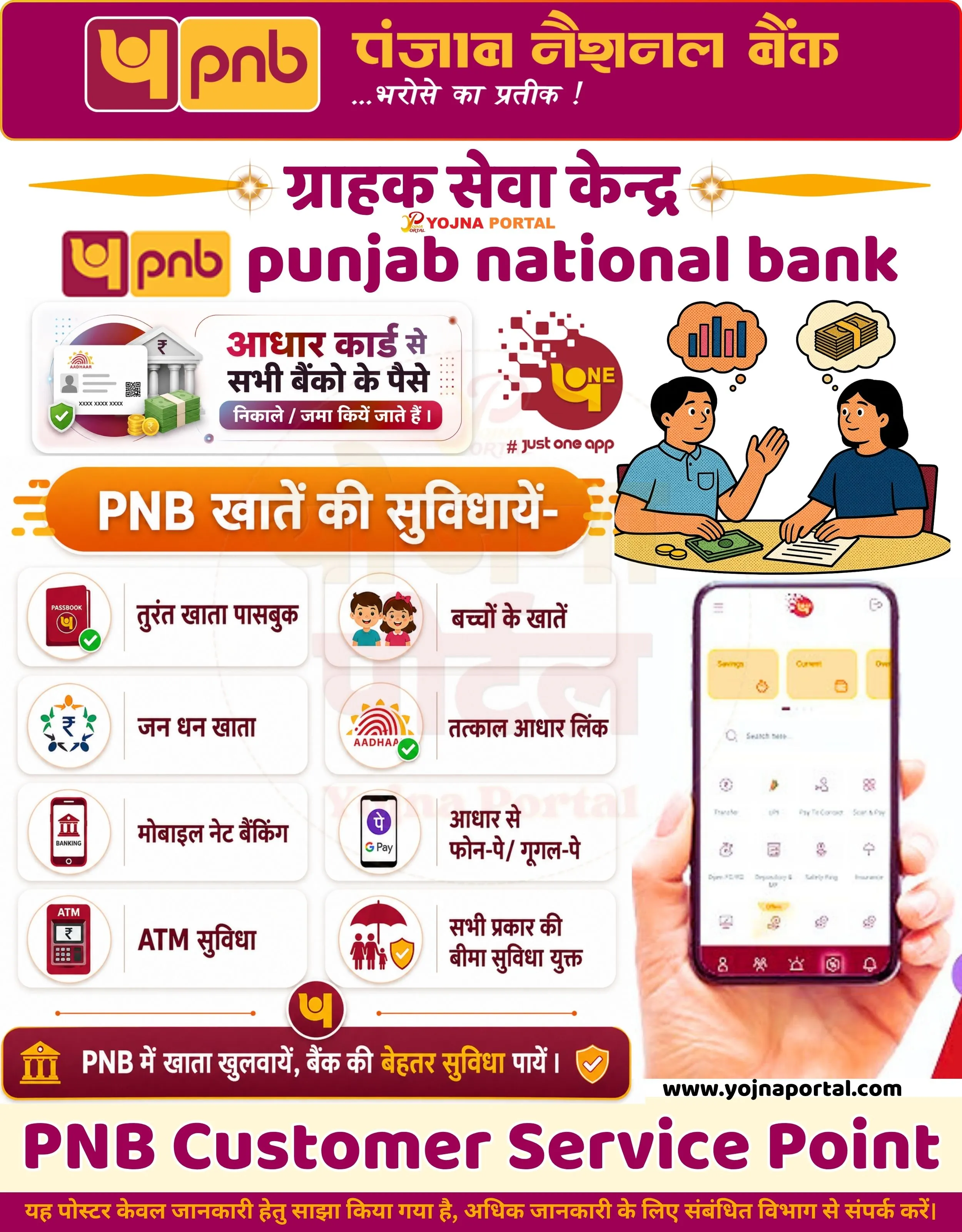
Airtel Bank Account Opening Related Poster Details
यह पोस्टर केवल सामान्य जानकारी प्रदान करने के उद्देश्य से बनाया गया है।
हम यह सुनिश्चित नहीं करते कि ऊपर दी गई सभी जानकारी पूर्णतः सही, सटीक एवं समयानुसार अपडेट हो।
संबंधित विभाग समय-समय पर अपनी आधिकारिक वेबसाइट पर जानकारी में बदलाव कर सकते हैं।
यह वेबसाइट किसी भी सरकारी विभाग, बैंक, संस्था या संगठन की आधिकारिक वेबसाइट नहीं है।
सभी योजनाओं, लोगो, नाम एवं ट्रेडमार्क का अधिकार उनके संबंधित विभागों एवं संस्थाओं के पास सुरक्षित है।
किसी भी आवेदन, पंजीयन या सेवा का लाभ लेने से पहले संबंधित विभाग की आधिकारिक वेबसाइट या कार्यालय से जानकारी अवश्य सत्यापित करें।
📢 Short Sharing (Hindi)

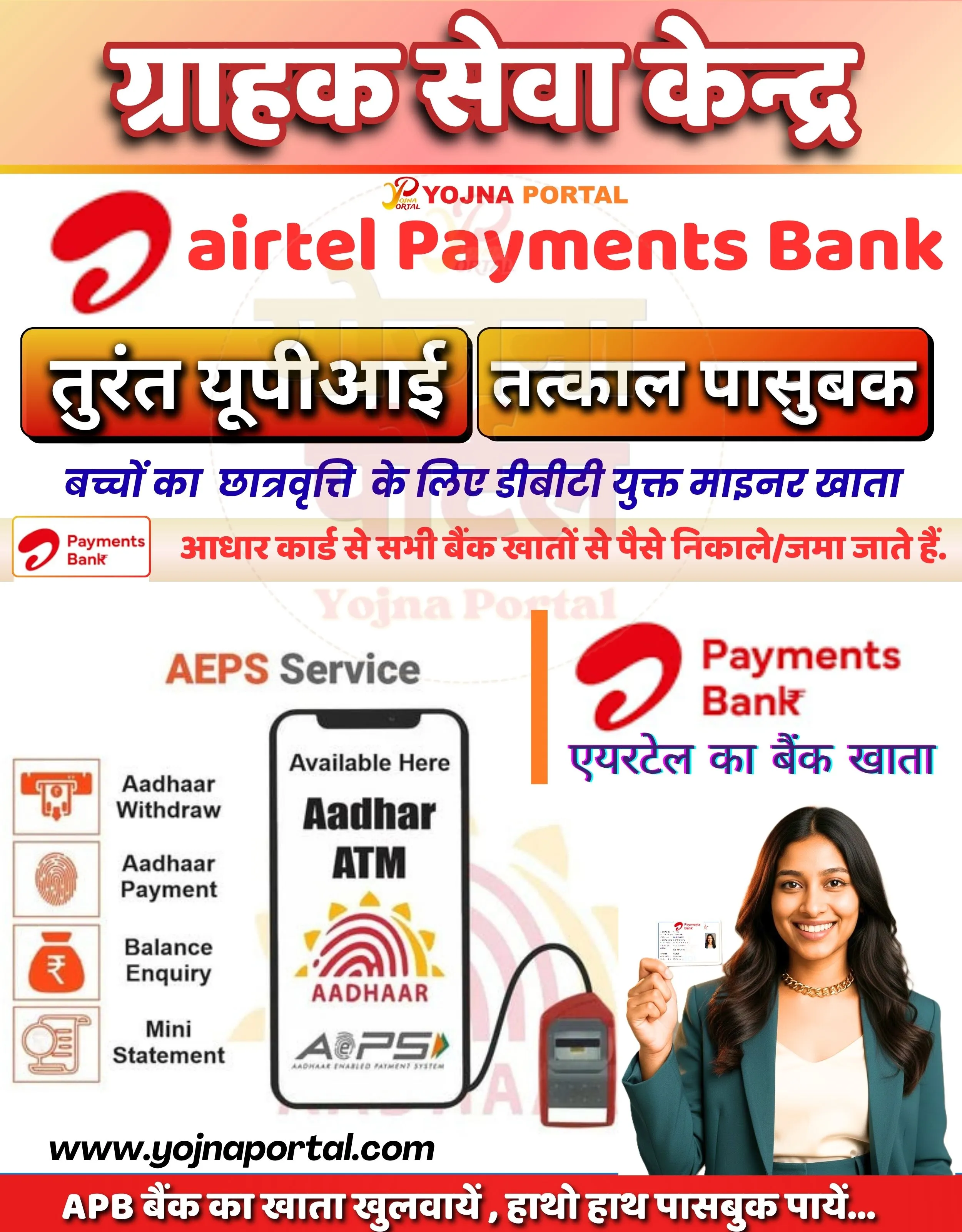
🚨 Airtel Payments Bank सेवा शुरू
💰 आधार से पैसा निकालें/जमा करें
📢 तुरंत UPI व पासबुक सुविधा
👉 More Details: www.yojnaportal.com
📢 Full Sharing (Hindi)
🚨 एयरटेल पेमेंट्स बैंक सेवा उपलब्ध

💰 मुख्य सेवाएं:
📢 तुरंत UPI, पासबुक और AEPS सुविधा

📄 सुविधाएं / मुख्य बिन्दु:
✔ आधार से पैसे निकालना व जमा करना
✔ बैलेंस चेक व मिनी स्टेटमेंट
✔ आधार ATM सेवा उपलब्ध
✔ बच्चों/माइनर के लिए खाता सुविधा

👉 More Poster: poster.yojnaportal.com

#AirtelPaymentsBank #AEPS #BankingService
✨Airtel Bank Account Opening Key Highlights
- Instant UPI facility available
- Immediate passbook issuance
- Aadhaar Enabled Payment System (AEPS) services
- Easy banking for students and minors
📌 Important Details of Airtel Bank Account Opening
- Aadhaar-based withdrawal and deposit services available
- Balance enquiry and mini statement facility
- Aadhaar ATM service supported
- Open Airtel Payments Bank account easily
📖 About Airtel Bank Account Opening Poster
This poster promotes Airtel Payments Bank AEPS services including Aadhaar-based transactions and instant banking facilities.
It highlights easy account opening, UPI services, and passbook availability through Yojna Portal.
🧠 Airtel Bank Account Opening / Banner Generation Prompt
Design a vertically oriented Indian government-style promotional banner (approx. size 1000x1280 px) with a clean, modern, high-contrast layout.

BACKGROUND:
Use a soft gradient background transitioning from light peach/orange at the top to white in the middle and slightly warm beige at the bottom. Add a faint circular watermark-style emblem in the center with very low opacity.

TOP SECTION:
At the very top, place a bold Hindi headline in large Devanagari font:
“ग्राहक सेवा केन्द्र”
Use thick, bold typography with white fill, strong red outline, and subtle black drop shadow for depth. Center-align the text.

Below it, place a small “YOJNA PORTAL” logo text in red and orange with a small icon-style mark to the left.

MAIN TITLE SECTION:
Below the logo, place the Airtel branding:

* A red Airtel logo symbol on the left
* Large bold English text “airtel Payments Bank” in red color, horizontally aligned

FEATURE BUTTONS:
Create two large rounded rectangular gradient buttons placed side-by-side:
Left button:
Text in Hindi: “तुरंत यूपीआई”
Right button:
Text in Hindi: “तत्काल पासबुक”
Buttons should have orange-to-red gradient fill, black border, and white bold text with slight shadow.

INFO TEXT SECTION:
Below the buttons, add a blue Hindi sentence:
“बच्चों का छात्रवृत्ति के लिए डीबीटी युक्त माइनर खाता”
Below that, add a red highlighted strip with Hindi text:
“आधार कार्ड से सभी बैंक खातों से पैसे निकाले/जमा जाते हैं.”

LEFT MIDDLE SECTION (AEPS):
Create a section titled “AEPS Service” in orange/black text.
Below it, place a smartphone mockup with screen text:
“Available Here
Aadhar ATM”
Below that include Aadhaar logo fingerprint graphic with “AADHAAR” text and AEPS logo.

To the left of the phone, vertically list icons with labels:

* Aadhaar Withdraw
* Aadhaar Payment
* Balance Enquiry
* Mini Statement
  Use simple flat icons in orange theme.

RIGHT MIDDLE SECTION:
Place Airtel Payments Bank logo again with Hindi text:
“एयरटेल का बैंक खाता”

BOTTOM RIGHT:
Add a smiling young Indian woman (professional look), wearing a green blazer, holding a card in her right hand (Airtel card). She should be facing forward slightly angled, clean studio lighting, soft shadow.

BOTTOM SECTION:
At bottom center-left, add website text:
“www.yojnaportal.com in bold black font.

FOOTER STRIP:
Add a red horizontal strip at the bottom with white Hindi text:
“APB बैंक का खाता खुलवायें , हाथो हाथ पासबुक पायें...”

TYPOGRAPHY & STYLE:

* Use bold, सरकारी-style fonts for Hindi
* Use clean sans-serif for English
* High contrast colors (red, orange, white, black)
* Add subtle drop shadows for depth
* Maintain structured layout with clear sections and spacing

Ensure all text remains exactly as written (Hindi in Hindi, English in English), and all elements are aligned cleanly with a professional promotional banner style.
WhatsApp Telegram YouTube Facebook Instagram X (Twitter)