
Punjab National Bank Customer Service Centre
Banking and Aadhaar Enabled Services Available

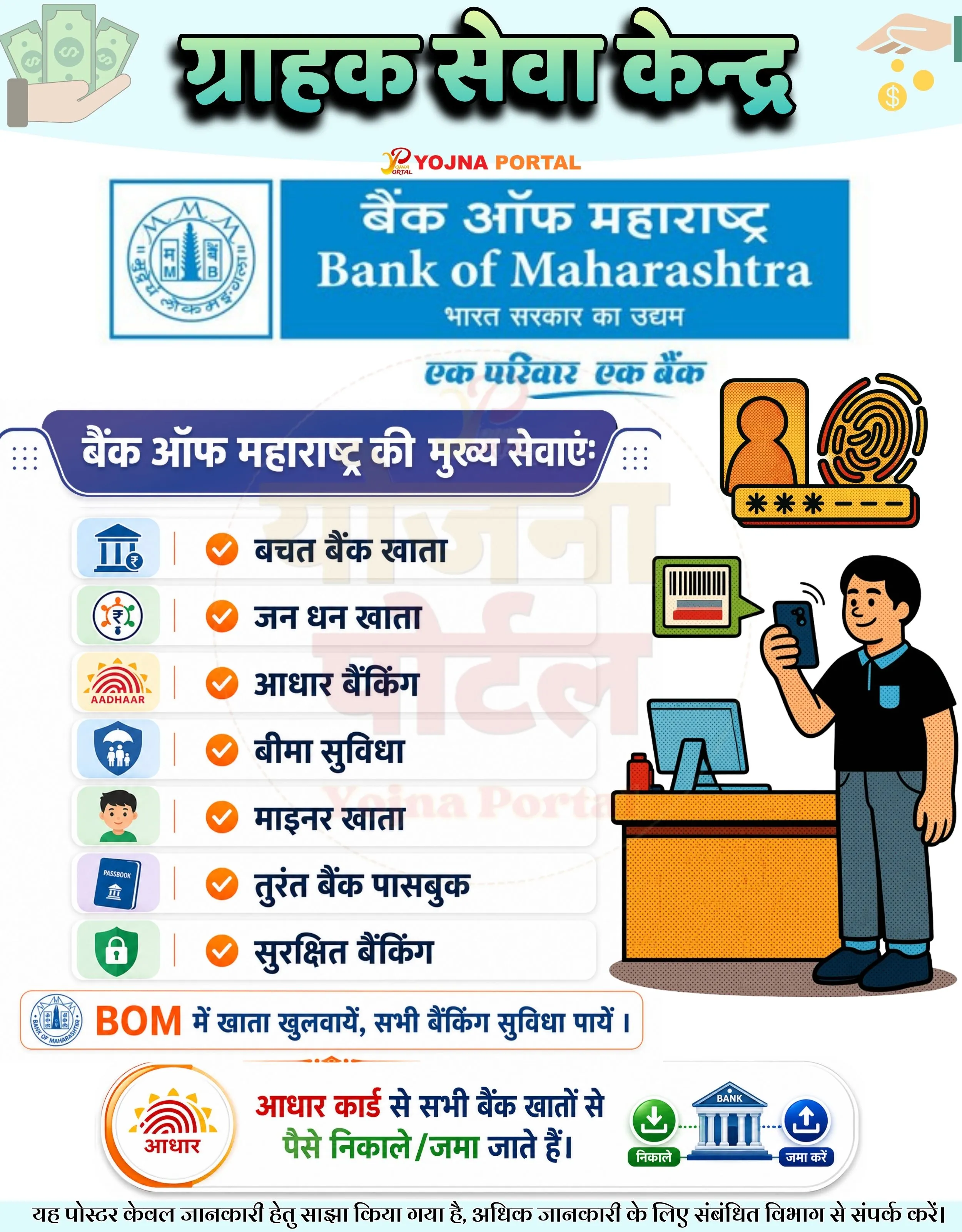
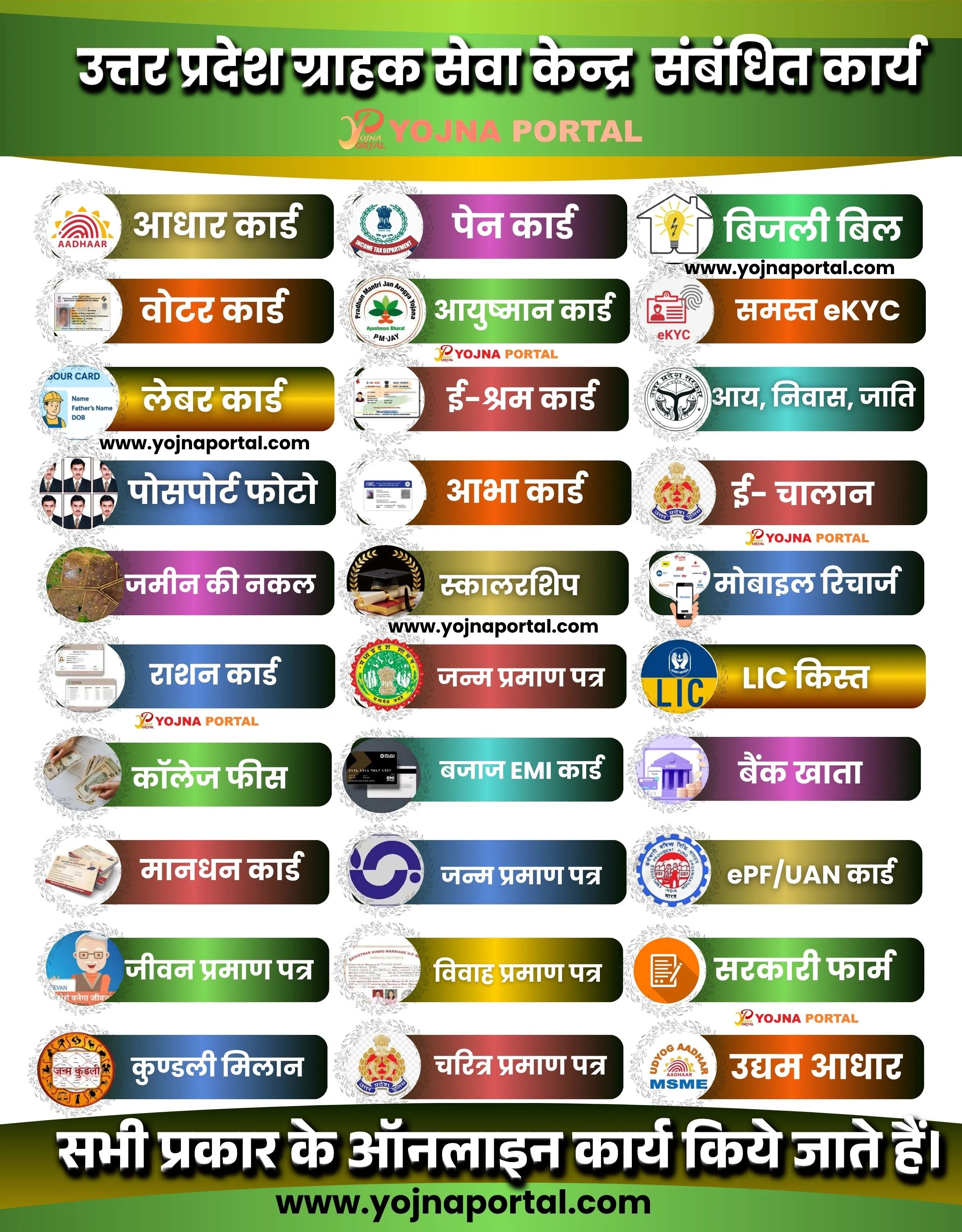
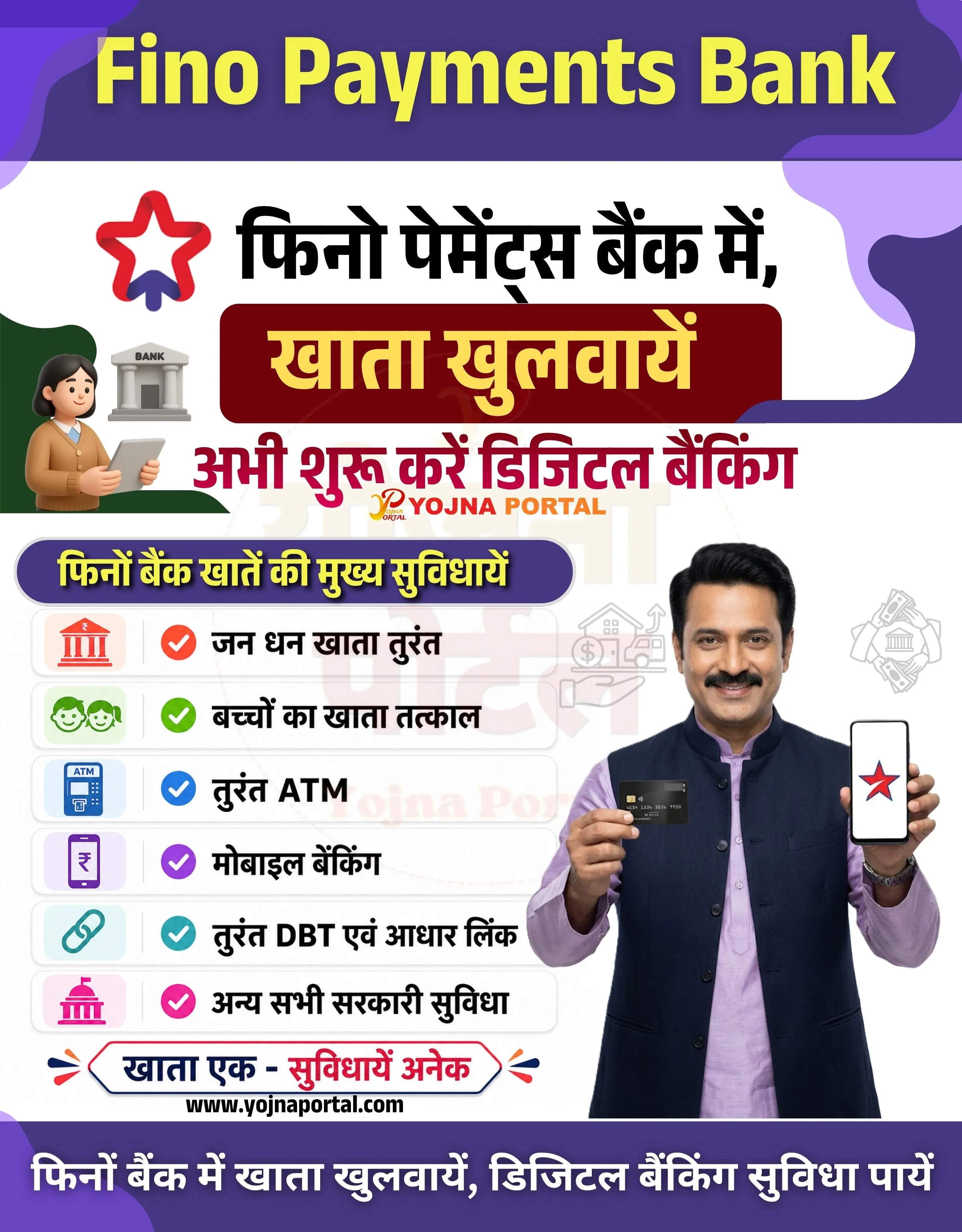
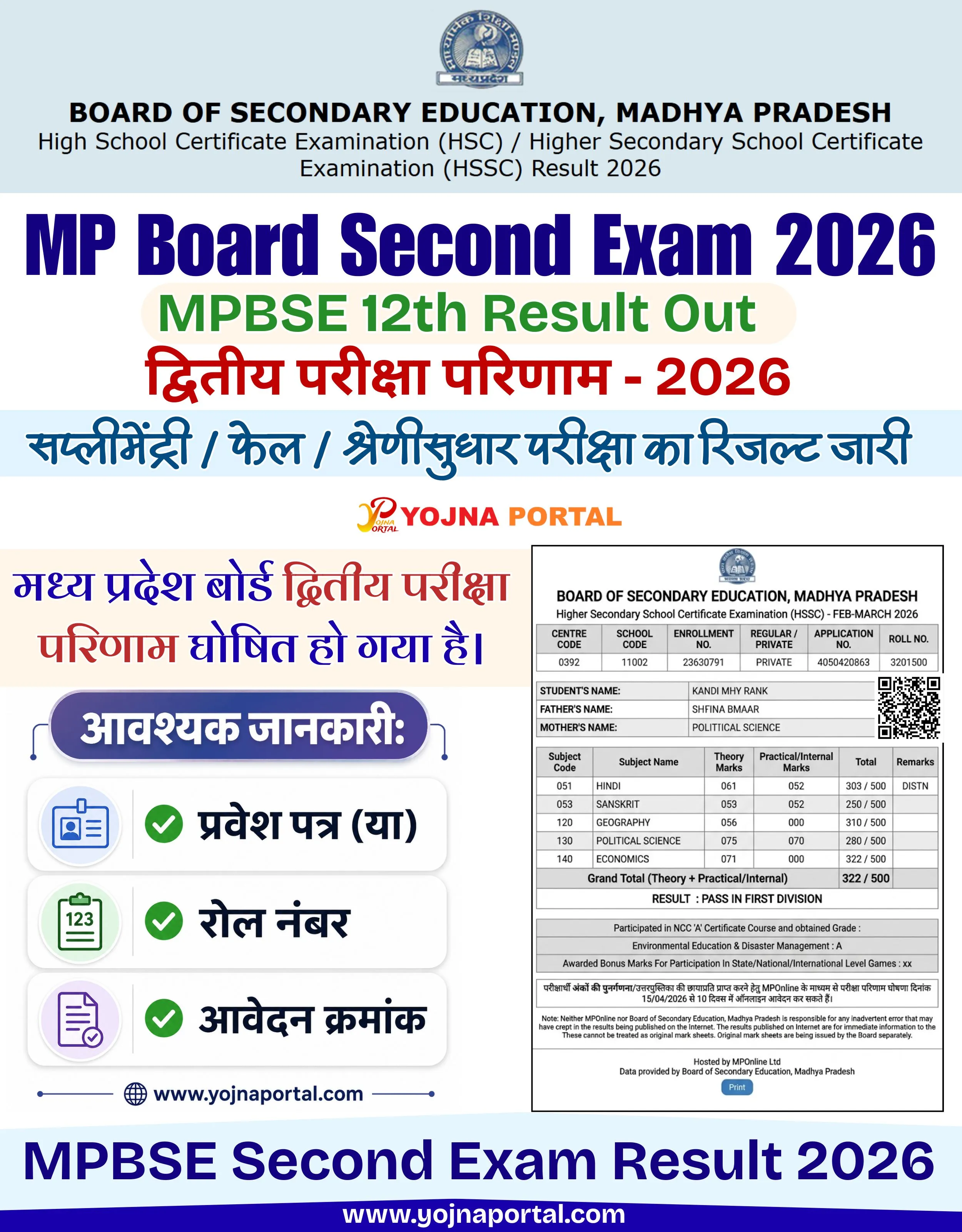
PNB Account Opening Poster Related Poster Details
यह पोस्टर केवल सामान्य जानकारी प्रदान करने के उद्देश्य से बनाया गया है।
हम यह सुनिश्चित नहीं करते कि ऊपर दी गई सभी जानकारी पूर्णतः सही, सटीक एवं समयानुसार अपडेट हो।
संबंधित विभाग समय-समय पर अपनी आधिकारिक वेबसाइट पर जानकारी में बदलाव कर सकते हैं।
यह वेबसाइट किसी भी सरकारी विभाग, बैंक, संस्था या संगठन की आधिकारिक वेबसाइट नहीं है।
सभी योजनाओं, लोगो, नाम एवं ट्रेडमार्क का अधिकार उनके संबंधित विभागों एवं संस्थाओं के पास सुरक्षित है।
किसी भी आवेदन, पंजीयन या सेवा का लाभ लेने से पहले संबंधित विभाग की आधिकारिक वेबसाइट या कार्यालय से जानकारी अवश्य सत्यापित करें।
📢 Short Sharing (Hindi)
🚨 PNB Customer Service Point
💰 आधार कार्ड से पैसे निकाले / जमा किये जाते हैं।
📢 PNB खातों की कई सुविधाएं उपलब्ध।
👉 www.yojnaportal.com

📢 Full Sharing (Hindi)
🚨 PNB Customer Service Point

💰 पंजाब नेशनल बैंक ग्राहक सेवा केन्द्र पर आधार कार्ड से सभी बैंकों के पैसे निकाले एवं जमा किये जाते हैं।

📢 उपलब्ध सुविधाएं:
✔ तुरंत खाता पासबुक
✔ बच्चों के खाते
✔ जन धन खाता
✔ तत्काल आधार लिंक
✔ मोबाइल नेट बैंकिंग
✔ आधार से फोन-पे / गूगल-पे
✔ ATM सुविधा
✔ सभी प्रकार की बीमा सुविधा

📄 डिजिटल बैंकिंग सेवाएं:
✔ PNB ONE ऐप सुविधा
✔ ऑनलाइन बैंकिंग सहायता
✔ सुरक्षित बैंकिंग सेवाएं

👉 अधिक जानें: www.yojnaportal.com

#PNB #CustomerServicePoint #BankingServices #AadhaarBanking
✨PNB Account Opening Poster Key Highlights
- Aadhaar based cash withdrawal and deposit facility available
- Instant account passbook and Jan Dhan account services
- Mobile banking and PhonePe / Google Pay support
- ATM and insurance related banking facilities available
📌 Important Details of PNB Account Opening Poster
- Customers can withdraw or deposit money from multiple banks using Aadhaar card
- Instant Aadhaar linking service available
- Children account opening facility available
- PNB ONE mobile banking app services supported
📖 About PNB Account Opening Poster Poster
This poster promotes services available at PNB Customer Service Point.
It highlights Aadhaar enabled banking, account opening and digital banking facilities.
🧠 PNB Account Opening Poster / Banner Generation Prompt
Create a highly detailed vertical government-style banking promotional poster in approximately 1000x1280 resolution with a premium clean white background and a professional CSC (Customer Service Point) design layout.

TOP HEADER SECTION:
Design a full-width rounded rectangular top banner with deep magenta to maroon gradient background and thin golden border outline. On the left side place the official style PNB logo inside a rounded square yellow-orange box with maroon icon. To the right of the logo place large bold Hindi text:
"पंजाब नेशनल बैंक"
Below it place smaller italic Hindi tagline text:
"...भरोसे का प्रतीक !"
Typography should look bold, modern, and banking-professional with yellow-orange font color.

SECOND HEADER SECTION:
Below the top header create a centered large Hindi title:
"ग्राहक सेवा केन्द्र"
Use thick bold Hindi typography in dark magenta color with slight glow/shadow. Add symmetrical golden decorative line elements with shining starburst icons on both left and right sides of the title.

Under the Hindi title place:
small logo + text:
"punjab national bank"
Use bold lowercase English typography in dark magenta.

MIDDLE CONTENT SECTION:
Create a balanced multi-column infographic layout.

LEFT-MIDDLE CARD:
Add a modern premium rounded rectangular Aadhaar banking service card with soft shadows and glossy effect. Inside the card place:

* Aadhaar card illustration
* Bank building icon
* Cash bundles and coins
* Green verified shield icon

On the right side inside the same card place Hindi text:
"आधार कार्ड से
सभी बैंको के पैसे
निकाले / जमा किये जाते हैं ।"

Use bold black and maroon Hindi typography with a small blue-purple rounded text strip behind the last line.

CENTER SMALL GRAPHIC:
Add PNB ONE app logo graphic in magenta and yellow gradient style with pixel dissolve effect and hashtag text:
"# Just one app"

RIGHT ILLUSTRATION:
Place a flat vector style illustration of a male and female customer sitting at a banking desk discussing money and finance. Add thought bubbles/icons above them showing:

* Analytics graph icon
* Money bundle icon

BOTTOM MAIN INFOGRAPHIC SECTION:
Create a large orange gradient rounded title bar with glow effect and decorative side elements. Place bold white Hindi text:
"PNB खातें की सुविधायें-"

Below this heading create a clean grid of premium white rounded cards with soft shadows and thin borders. Arrange the cards in two columns.

Each card should contain:

* Circular icon area on left
* Thin vertical divider line
* Bold Hindi text on right

Card contents:

1. Passbook icon + "तुरंत खाता पासबुक"
2. Kids icon + "बच्चों के खातें"
3. Jan Dhan icon + "जन धन खाता"
4. Aadhaar icon + "तत्काल आधार लिंक"
5. Mobile banking icon + "मोबाइल नेट बैंकिंग"
6. PhonePe / GPay icon + "आधार से फोन-पे/ गूगल-पे"
7. ATM icon + "ATM सुविधा"
8. Insurance protection icon + "सभी प्रकार की बीमा सुविधा युक्त"

RIGHT BOTTOM SECTION:
Place a realistic human hand holding a smartphone vertically. Show a blurred but recognizable PNB ONE banking app interface on the mobile screen with yellow-white UI cards and banking options.

BOTTOM CTA SECTION:
Add a full-width rounded rectangular maroon gradient footer bar with gold accents and soft shadows. Place:

* Bank building icon on left
* PNB logo circle in center top overlap
* Shield check icon on right

Main Hindi CTA text:
"PNB में खाता खुलवायें, बैंक की बेहतर सुविधा पायें ।"

Use white and yellow typography mix.

WEBSITE SECTION:
Above the final footer line place black website text:
"www.yojnaportal.com"

BOTTOM DISCLAIMER STRIP:
Create a thin dark magenta footer strip with yellow Hindi disclaimer text:
"यह पोस्टर केवल जानकारी हेतु साझा किया गया है, अधिक जानकारी के लिए संबंधित विभाग से संपर्क करें।"

STYLE & VISUAL DETAILS:

* Premium government banking poster style
* Ultra clean white background
* High-end infographic composition
* Soft realistic shadows everywhere
* Orange, maroon, magenta, yellow dominant palette
* Modern glassmorphism and glossy effects
* Balanced spacing and alignment
* Rounded corners on all cards
* High readability typography
* Print-ready ultra sharp quality
* Professional CSC banner aesthetic
* Combination of flat vector illustrations and realistic UI elements
* Strong visual hierarchy with clean separation between sections
WhatsApp Telegram YouTube Facebook Instagram X (Twitter)