
Aadhaar Card Father to Husband Name and Address Update
Update father’s name to husband’s name and change address in Aadhaar after marriage
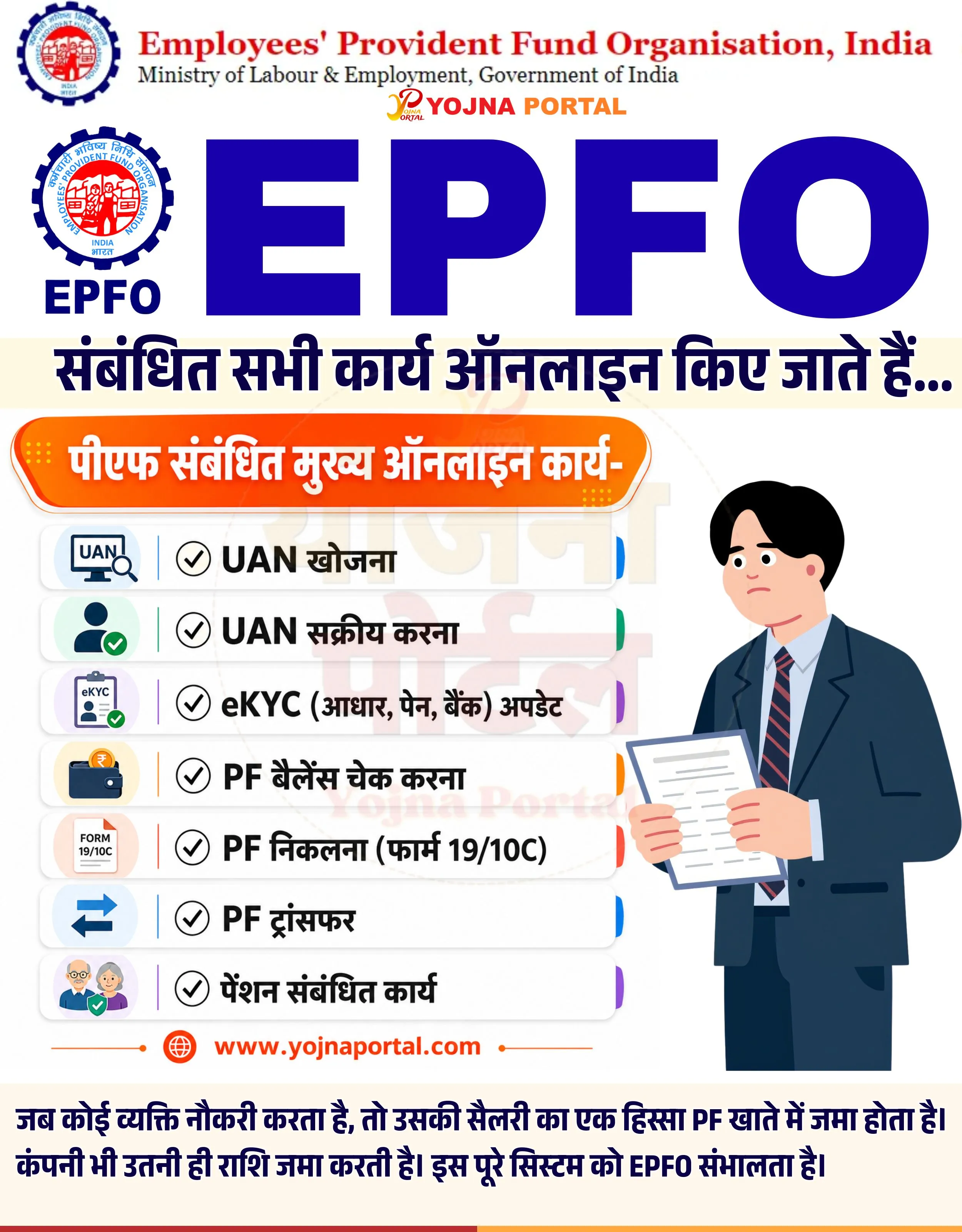
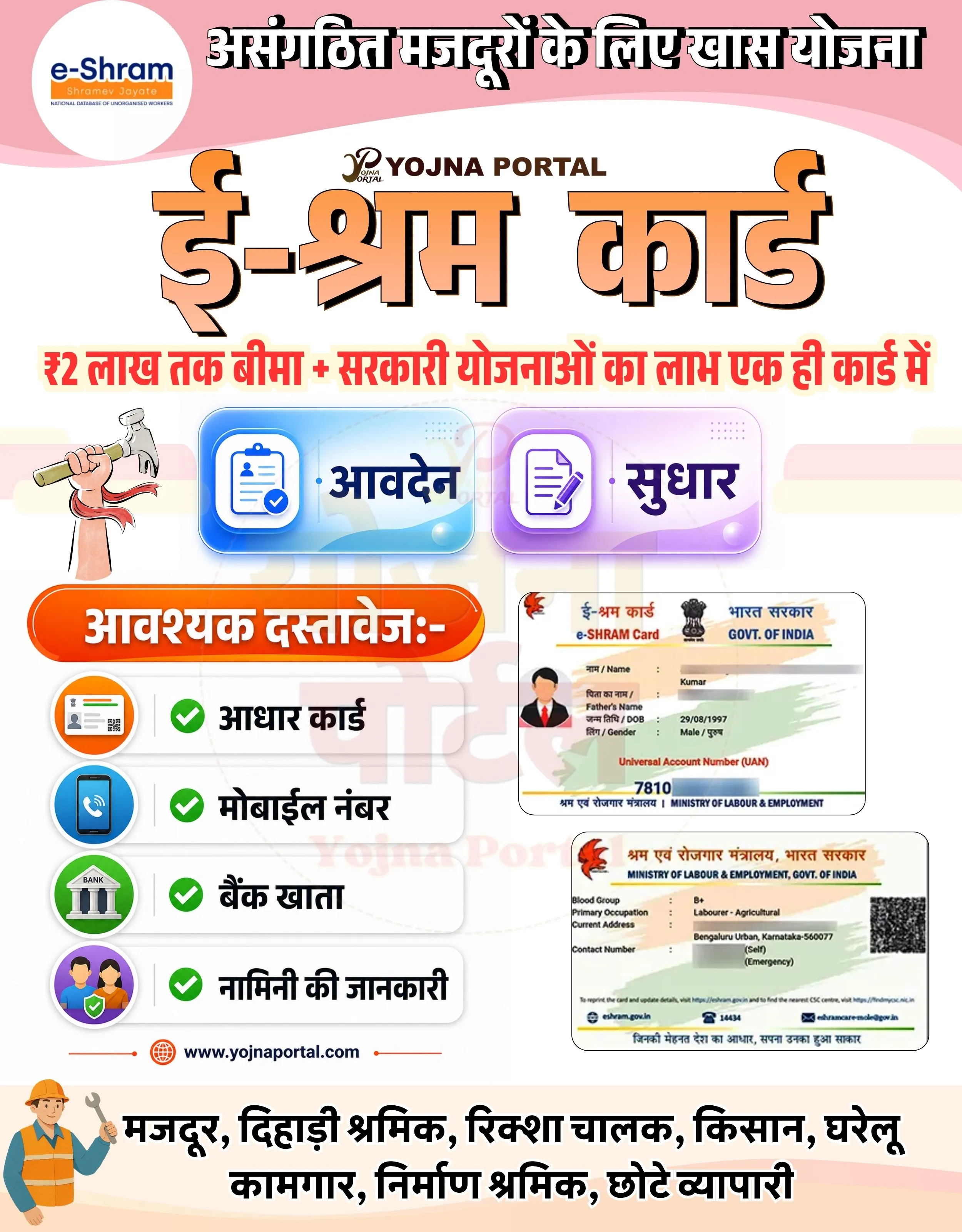
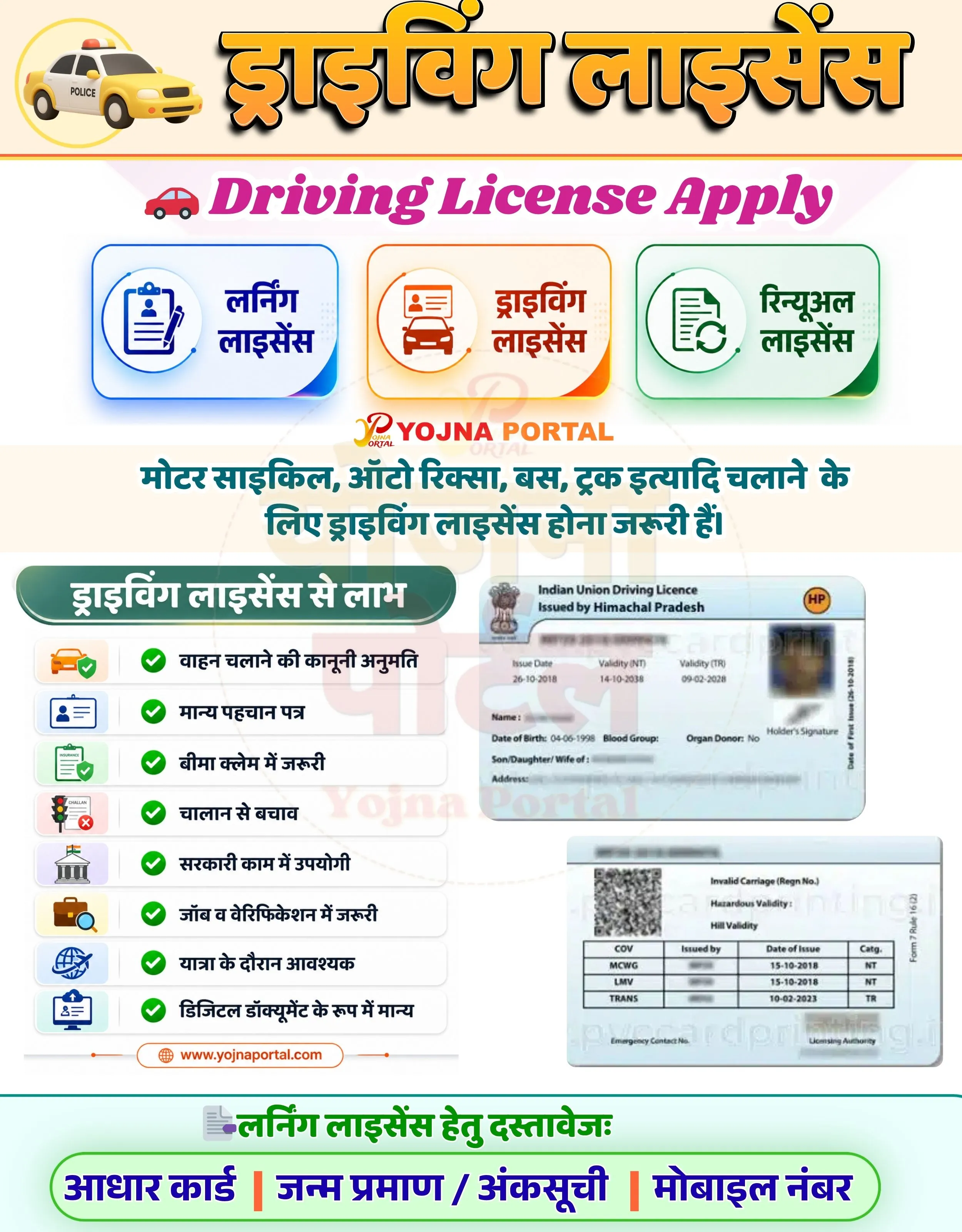
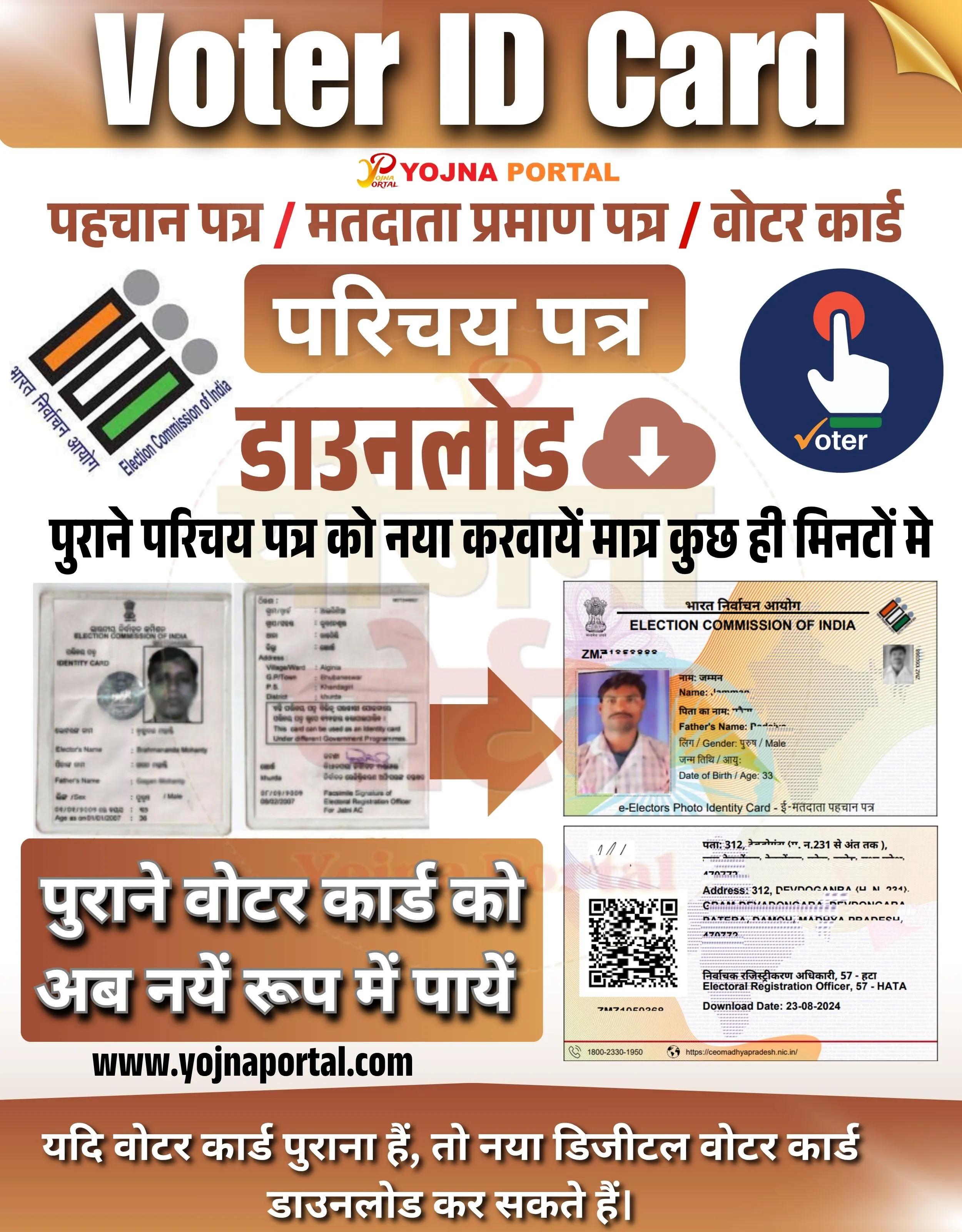

Aadhaar Card Name and Address Related Poster Details
यह पोस्टर केवल सामान्य जानकारी प्रदान करने के उद्देश्य से बनाया गया है।
हम यह सुनिश्चित नहीं करते कि ऊपर दी गई सभी जानकारी पूर्णतः सही, सटीक एवं समयानुसार अपडेट हो।
संबंधित विभाग समय-समय पर अपनी आधिकारिक वेबसाइट पर जानकारी में बदलाव कर सकते हैं।
यह वेबसाइट किसी भी सरकारी विभाग, बैंक, संस्था या संगठन की आधिकारिक वेबसाइट नहीं है।
सभी योजनाओं, लोगो, नाम एवं ट्रेडमार्क का अधिकार उनके संबंधित विभागों एवं संस्थाओं के पास सुरक्षित है।
किसी भी आवेदन, पंजीयन या सेवा का लाभ लेने से पहले संबंधित विभाग की आधिकारिक वेबसाइट या कार्यालय से जानकारी अवश्य सत्यापित करें।
✨Aadhaar Card Name and Address Key Highlights
- Change father’s name to husband’s name in Aadhaar
- Update address after marriage
- Applicable mainly for married women
- Simple and official Aadhaar update process
📌 Important Details of Aadhaar Card Name and Address
- Marriage is a valid reason for Aadhaar detail update
- Name and address can be updated together
- Valid supporting documents are required
- Update can be done online or at Aadhaar center
📖 About Aadhaar Card Name and Address Poster
This post provides guidance on how married women can update their Aadhaar card details.
It focuses on name transition from father to husband and address update process.
🧠 Aadhaar Card Name and Address / Banner Generation Prompt
Create a highly detailed Indian government-style informational poster in vertical format (approx. 1000x1280).

BACKGROUND:
Use a soft pastel gradient background blending light pink, lavender, and off-white tones. Add subtle watercolor texture splashes on the sides (light peach/pink). In the center, include a very faint watermark-style circular logo/text “YOJNA PORTAL” with low opacity.

TOP SECTION:
At the very top, place a wide rectangular header strip with a light pink to lavender gradient background.
Inside it, add bold English text:
“Father to Husband Name And Address Update”
Font should be modern, bold sans-serif, uppercase/lowercase mix, dark purple color with slight shadow for depth. Center aligned.

MAIN TITLE SECTION:
Below the header, create a large Hindi title in bold, thick Devanagari font:
“आधार कार्ड”
Use a red to pink gradient fill with subtle white highlight and soft shadow.
Below it, add a supporting Hindi line in black bold text:
“में पिता से पति तथा पता बदलना”

Left side of this section:
Place the Aadhaar logo (sunburst fingerprint style) with “AADHAAR” text in red below it.

Below the subtitle, place a small “YOJNA PORTAL” logo text in orange/red gradient, centered.

MID STRIP:
Add a horizontal highlight bar in light purple/pink shade across the width.
Inside it, place bold Hindi text in dark purple:
“आधार कार्ड में पता एवं पिता से पति अपडेट”

CONTENT BOX (LEFT SIDE):
Create a tilted rectangular card box on the left side with white background and pink border glow.
Inside the box, add bold Hindi text in dark maroon/purple:
“शादी के बाद पति के आधार में पिता से पति का नाम बदला जाता हैं...”
Text should be stacked in multiple lines, centered, with thick bold font and slight shadow.

RIGHT SIDE IMAGE:
Place a realistic portrait of an Indian woman (young bride style), wearing a light peach traditional outfit with dupatta covering head partially.
She should be facing forward, slight smile, holding multiple Aadhaar cards in her right hand (cards fanned out, visible QR code and layout).
Lighting should be soft and studio-like with clean cutout edges.

BOTTOM SECTION:
Add website URL in bold black text:
“www.yojnaportal.com”

Left aligned near bottom.

FOOTER STRIP:
At the very bottom, create a full-width brownish-pink banner strip.
Inside it, place white bold Hindi text:
“शादी के बाद महिलाओं के आधार कार्ड में पता तथा पिता से पति का नाम बदला जाता हैं....”

TYPOGRAPHY & STYLE:
Use bold, सरकारी poster style fonts.
Hindi text should be thick, high readability.
Use drop shadows, subtle glow, and gradient fills for emphasis.
Maintain clean spacing and structured alignment.

OVERALL LAYOUT:
Balanced composition with left content box and right human subject.
Professional government awareness poster look.
Soft shadows, clean edges, minimal clutter, high clarity.
WhatsApp Telegram YouTube Facebook Instagram X (Twitter)