
MP ITI 2026-27 First Round Admission Process Started
Registration, Choice Filling and Online Admission Process for Madhya Pradesh ITI Session 2026-27
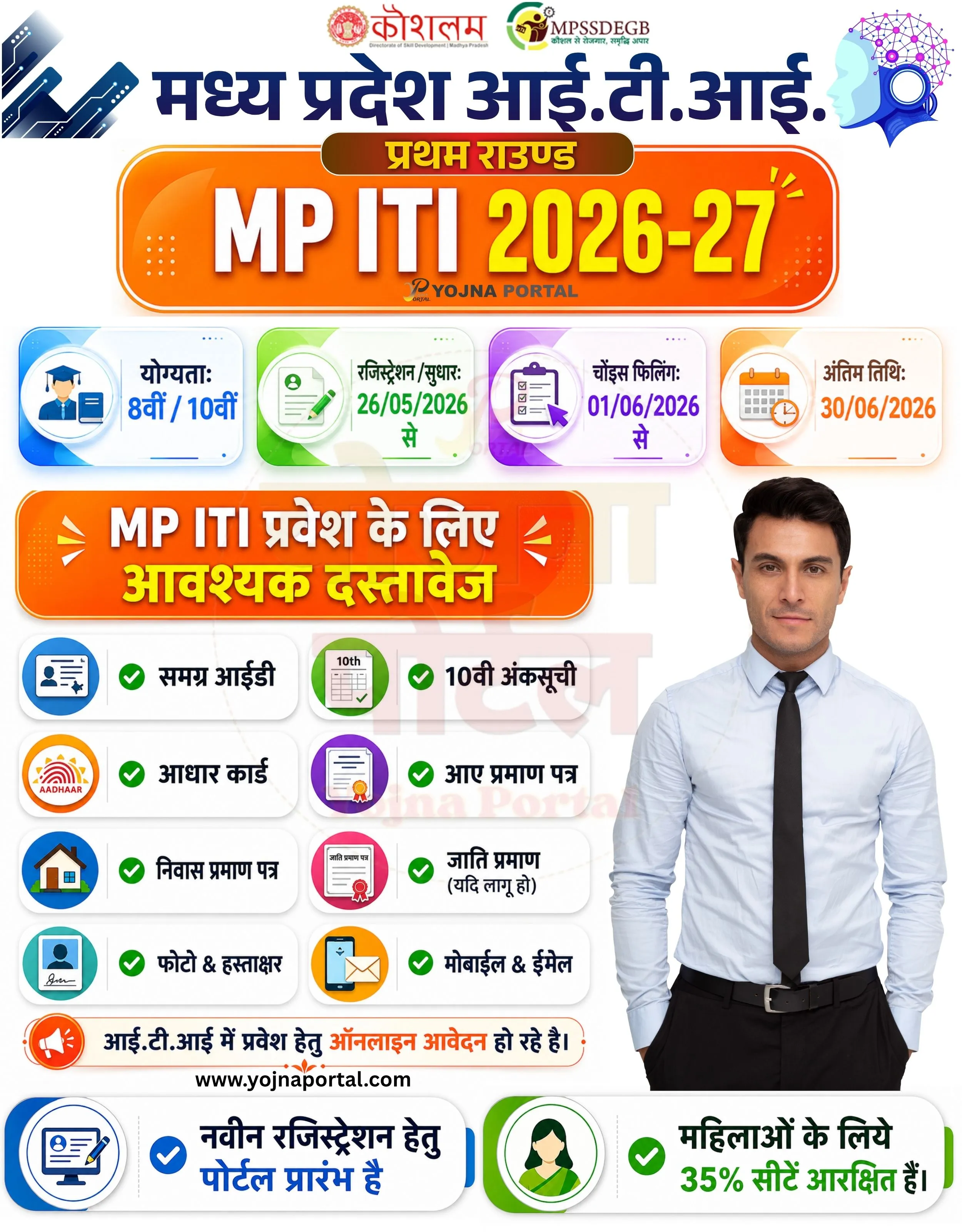
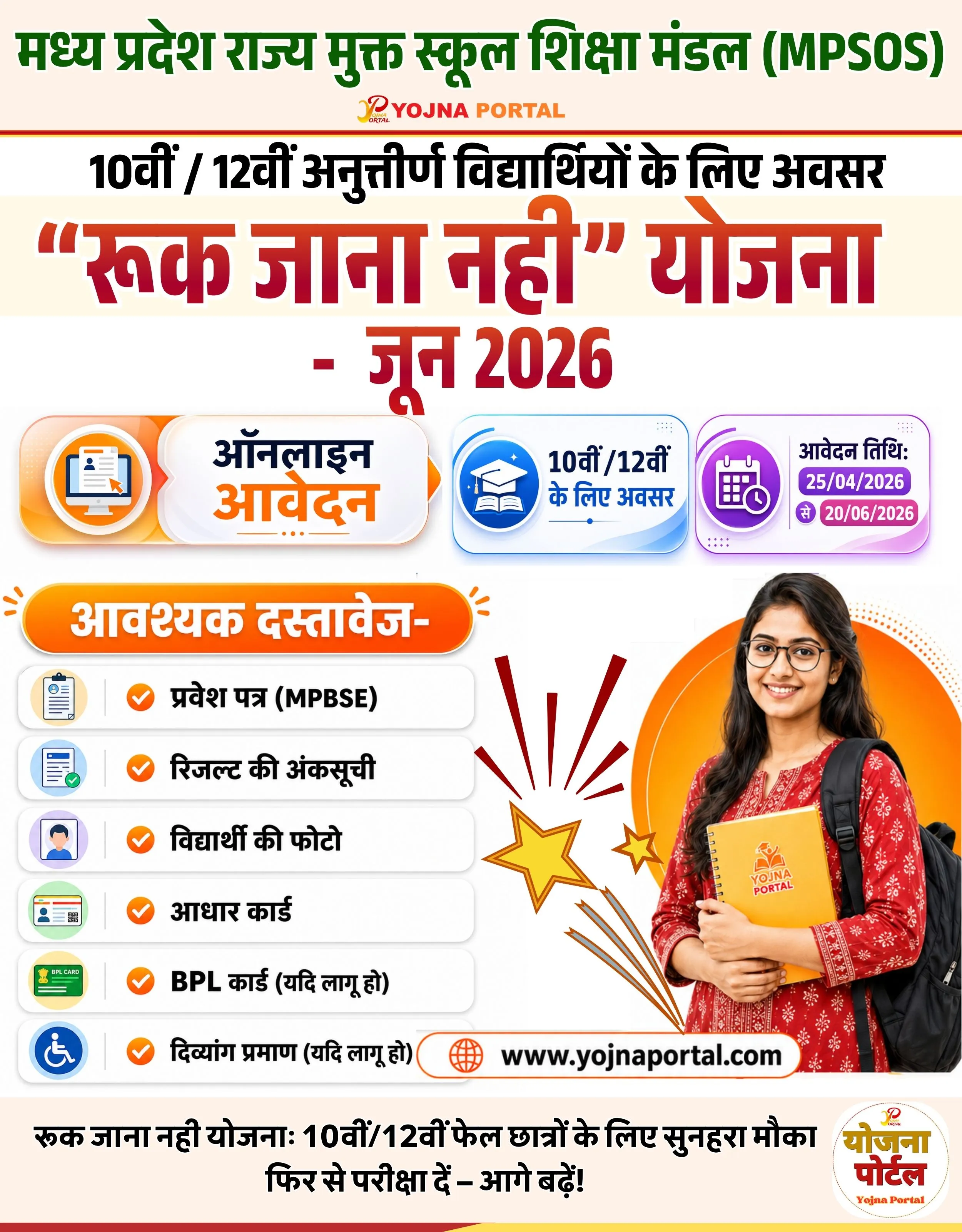
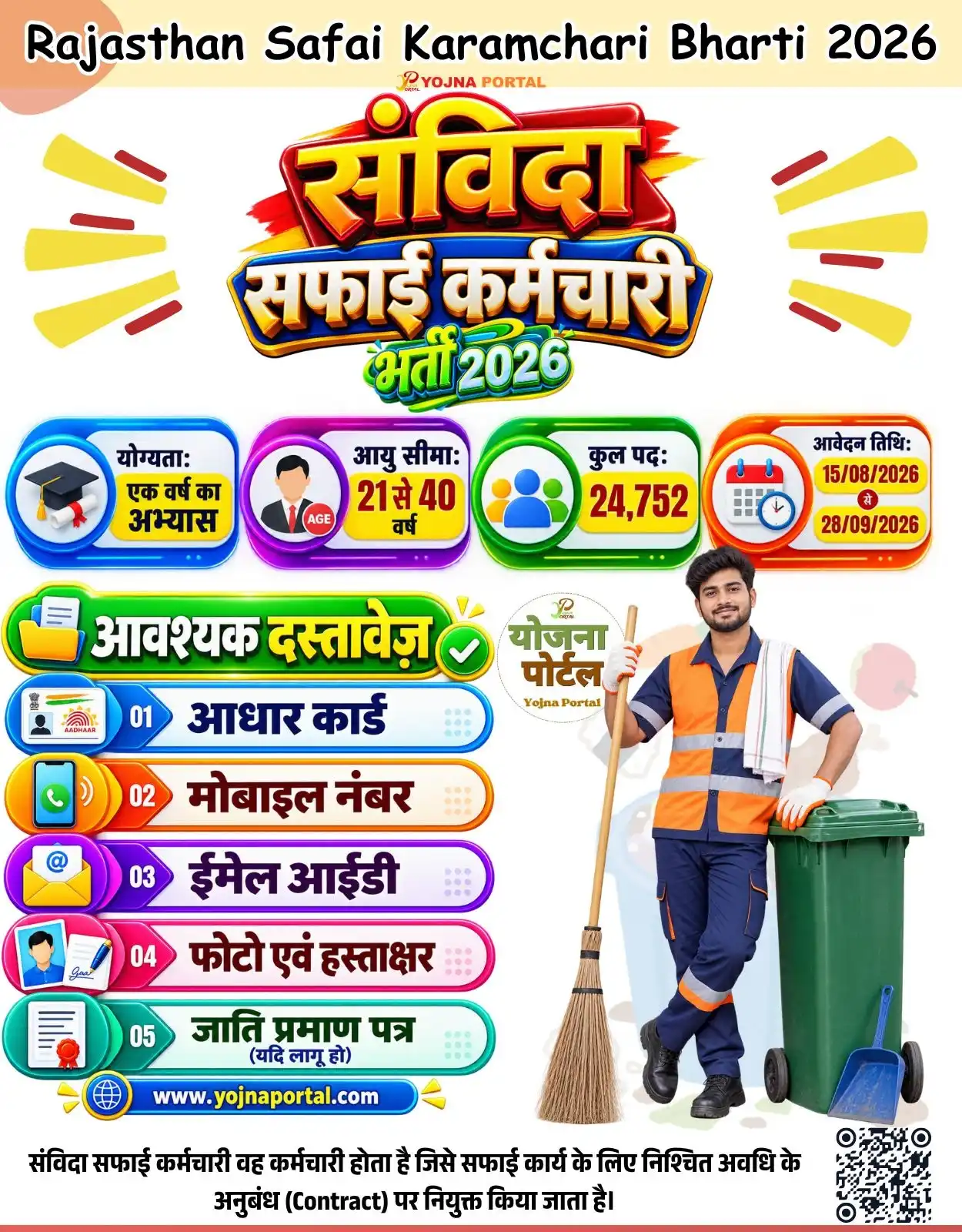
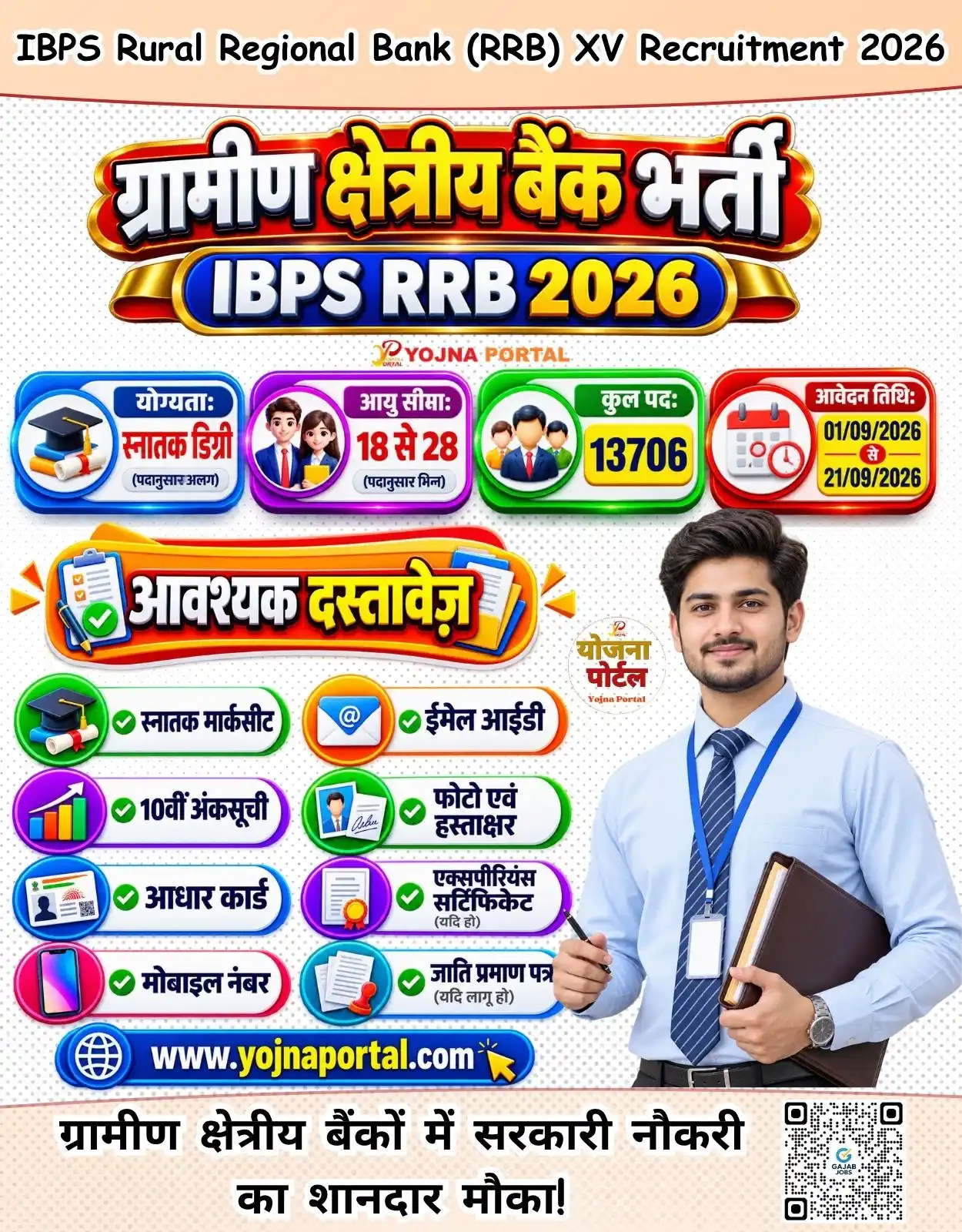
MP ITI Admission 2026-27 Related Poster Details
⚠️ Disclaimer: 🎯 This content is created for educational and informational purposes only.
👉 Logos, images and branding used in the banner belong to their respective organizations and departments.
📢 Short Sharing (Hindi)
🚨 MP ITI 2026-27 प्रवेश शुरू
💰 रजिस्ट्रेशन एवं चॉइस फिलिंग प्रारंभ
📢 आवश्यक दस्तावेज तैयार रखें
👉 https://www.yojnaportal.com/admission/mp-iti-admission-2026/
📢 Full Sharing (Hindi)
🚨 मध्य प्रदेश आई.टी.आई. प्रवेश 2026-27 शुरू

💰 प्रथम राउंड के लिए रजिस्ट्रेशन एवं ऑनलाइन आवेदन प्रारंभ हो चुके हैं।
📢 योग्यता 8वीं / 10वीं पास उम्मीदवार आवेदन कर सकते हैं।

📄 मुख्य जानकारी:
✔ रजिस्ट्रेशन/सुधार: 26/05/2026 से
✔ चॉइस फिलिंग: 01/06/2026 से
✔ अंतिम तिथि: 30/06/2026
✔ महिलाओं के लिए 35% सीटें आरक्षित

📄 आवश्यक दस्तावेज:
✔ समग्र आईडी
✔ 10वीं अंकसूची
✔ आधार कार्ड
✔ आय प्रमाण पत्र
✔ निवास प्रमाण पत्र
✔ जाति प्रमाण पत्र (यदि लागू हो)
✔ फोटो एवं हस्ताक्षर
✔ मोबाइल नंबर एवं ईमेल आईडी

👉 अधिक जानें: https://www.yojnaportal.com/admission/mp-iti-admission-2026/

#MPITI2026 #ITIAdmission #MPITI #YojnaPortal
Secure Your Future with MP ITI Admission 2026-27
✨MP ITI Admission 2026-27 Key Highlights
- New registration portal is now active
- 35% seats reserved for female candidates
- Choice filling starts from 01 June 2026
- Last date for application is 30 June 2026
📌 Important Details of MP ITI Admission 2026-27
- Eligibility required: 8th or 10th pass
- Registration and correction process starts from 26 May 2026
- Important documents include Samagra ID, Aadhaar Card and Marksheet
- Candidates must keep mobile number and email ID active during admission process
📖 About MP ITI Admission 2026-27 Poster
This poster provides complete details about MP ITI Admission 2026-27 first round process including dates, eligibility and required documents.
The admission process is conducted for students seeking technical and vocational education in Madhya Pradesh ITI institutes.
📢 Summary (Hindi)
दोस्तों अगर आप आई.टी.आई. में प्रवेश लेना चाहते हैं तो आपके लिए बड़ी अपडेट आ चुकी है। मध्य प्रदेश आई.टी.आई. एडमिशन 2026-27 का प्रथम राउंड शुरू हो गया है।

अब छात्र ऑनलाइन रजिस्ट्रेशन, सुधार और चॉइस फिलिंग कर सकते हैं। आवेदन करने के लिए उम्मीदवार का 8वीं या 10वीं पास होना जरूरी है।

रजिस्ट्रेशन और सुधार प्रक्रिया 26 मई 2026 से शुरू हो चुकी है, जबकि चॉइस फिलिंग 1 जून 2026 से प्रारंभ होगी। आवेदन की अंतिम तिथि 30 जून 2026 निर्धारित की गई है।

आवेदन करते समय समग्र आईडी, आधार कार्ड, 10वीं की अंकसूची, आय प्रमाण पत्र, निवास प्रमाण पत्र, फोटो, हस्ताक्षर और मोबाइल नंबर तैयार रखें।

महिलाओं के लिए 35 प्रतिशत सीटें आरक्षित की गई हैं, इसलिए यह मौका बिल्कुल न गंवाएं।

जल्दी करें और अभी अपना आवेदन पूरा करें। अधिक जानकारी के लिए विजिट करें : https://www.yojnaportal.com/admission/mp-iti-admission-2026/
🧠 MP ITI Admission 2026-27 / Banner Generation Prompt
Create a highly detailed vertical Indian government-style infographic admission poster in approximately 1000x1280 resolution with a clean premium white background and soft shadow effects. The overall design should look like a modern professional CSC / सरकारी admission banner with infographic sections, colorful rounded cards, bold typography, and balanced spacing.

TOP HEADER SECTION:
At the very top center place three government-style logos aligned horizontally:

A blue futuristic technology logo on the top-left corner featuring geometric circuit-board style shapes.
A “कौशलम” logo in red and orange color with small subtitle “Department of Skill Development, Madhya Pradesh” beneath it.
An “MPSSDEGB” logo in green-yellow theme with Hindi tagline below it.
On the top-right corner place a futuristic AI head illustration in blue and purple network style.

Below logos place a large bold dark-blue Hindi heading:
“मध्य प्रदेश आई.टी.आई.”

Directly below it place a rounded glossy brown-orange ribbon label with yellow Hindi text:
“प्रथम राउण्ड”

MAIN TITLE SECTION:
Below the ribbon create a large orange gradient rounded rectangle banner with glossy highlight effects and subtle white border glow.

Inside the orange banner place:
Left side:
“MP ITI” in huge white 3D bold typography with deep shadow.

Right side:
“2026-27” in giant yellow bold glossy text with orange-red outline and shadow.

At the bottom center of this orange title box place small branding text:
“YOJNA PORTAL”

Add small decorative dotted patterns and glowing elements inside the orange banner corners.

DATE & ELIGIBILITY INFO SECTION:
Below the title create four equally spaced horizontal infographic cards aligned side-by-side.

CARD 1:
Blue gradient glassmorphism rounded card.
Left icon: graduation cap and student certificate icon.
Right text in Hindi:
“योग्यता:
8वीं / 10वीं”

CARD 2:
Green gradient rounded card.
Left icon: registration form with pen.
Right text:
“रजिस्ट्रेशन / सुधार:
26/05/2026 से”

CARD 3:
Purple gradient rounded card.
Left icon: checklist clipboard and cursor icon.
Right text:
“चॉइस फिलिंग:
01/06/2026 से”

CARD 4:
Orange gradient rounded card.
Left icon: calendar and clock icon.
Right text:
“अंतिम तिथि:
30/06/2026”

All cards should have:
• smooth rounded corners
• white glossy background
• realistic soft shadows
• thin inner glow
• modern infographic UI look
• perfectly aligned spacing

DOCUMENT SECTION:
Below the cards create another orange gradient rounded heading box with Hindi text:
“MP ITI प्रवेश के लिए आवश्यक दस्तावेज”

Use bold white and yellow Hindi typography with 3D shadow effect.

DOCUMENT LIST AREA:
Below heading create 8 rounded white document cards arranged in 2 columns and 4 rows.

Each card contains:
• circular colorful icon on left
• green verification check icon
• bold Hindi text on right

Document items exactly:

“समग्र आईडी”
“10वीं अंकसूची”
“आधार कार्ड”
“आय प्रमाण पत्र”
“निवास प्रमाण पत्र”
“जाति प्रमाण (यदि लागू हो)”
“फोटो & हस्ताक्षर”
“मोबाईल & ईमेल”

Icons should match each document:
• ID card icon
• marksheet icon
• Aadhaar logo
• certificate icon
• house icon
• caste certificate icon
• photo/signature icon
• mobile/email icon

RIGHT SIDE HUMAN MODEL:
On the right side of the document section place a realistic professional Indian young man standing confidently.

Appearance:
• formal light-blue shirt
• black tie
• black pants
• realistic skin texture
• corporate look
• hands partially in pockets
• neutral expression
• studio lighting
• clean cutout style

BOTTOM NOTICE SECTION:
Below document cards place a rounded white notification strip with orange border and megaphone icon.

Hindi text:
“आई.टी.आई में प्रवेश हेतु ऑनलाइन आवेदन हो रहे है।”

The words “ऑनलाइन आवेदन” should be highlighted in orange.

Below this strip place website text:
“www.yojnaportal.com”

BOTTOM INFO STRIP:
At the very bottom create two wide horizontal rounded cards side by side.

LEFT CARD:
Blue gradient card with registration monitor icon.
Hindi text:
“नवीन रजिस्ट्रेशन हेतु पोर्टल प्रारंभ है”

RIGHT CARD:
Green gradient card with woman reservation icon.
Hindi text:
“महिलाओं के लिये 35% सीटें आरक्षित हैं।”

DESIGN STYLE:
• Ultra modern government infographic style
• Premium glassmorphism UI
• Clean white background
• Soft realistic shadows
• High contrast typography
• Balanced composition
• Modern Hindi typography
• Professional CSC banner look
• Print-ready ultra HD quality
• Crisp vector icons
• Orange, blue, green, purple gradient palette
• Strong hierarchy and spacing
• Clean infographic alignment
• Subtle glow effects
• Minimal clutter
• Modern admission poster aesthetics
WhatsApp Telegram YouTube Facebook Instagram X (Twitter)