
Guest Teacher 2026–27 Important Dates Timeline
Madhya Pradesh Guest Teacher registration, profile update and document verification schedule
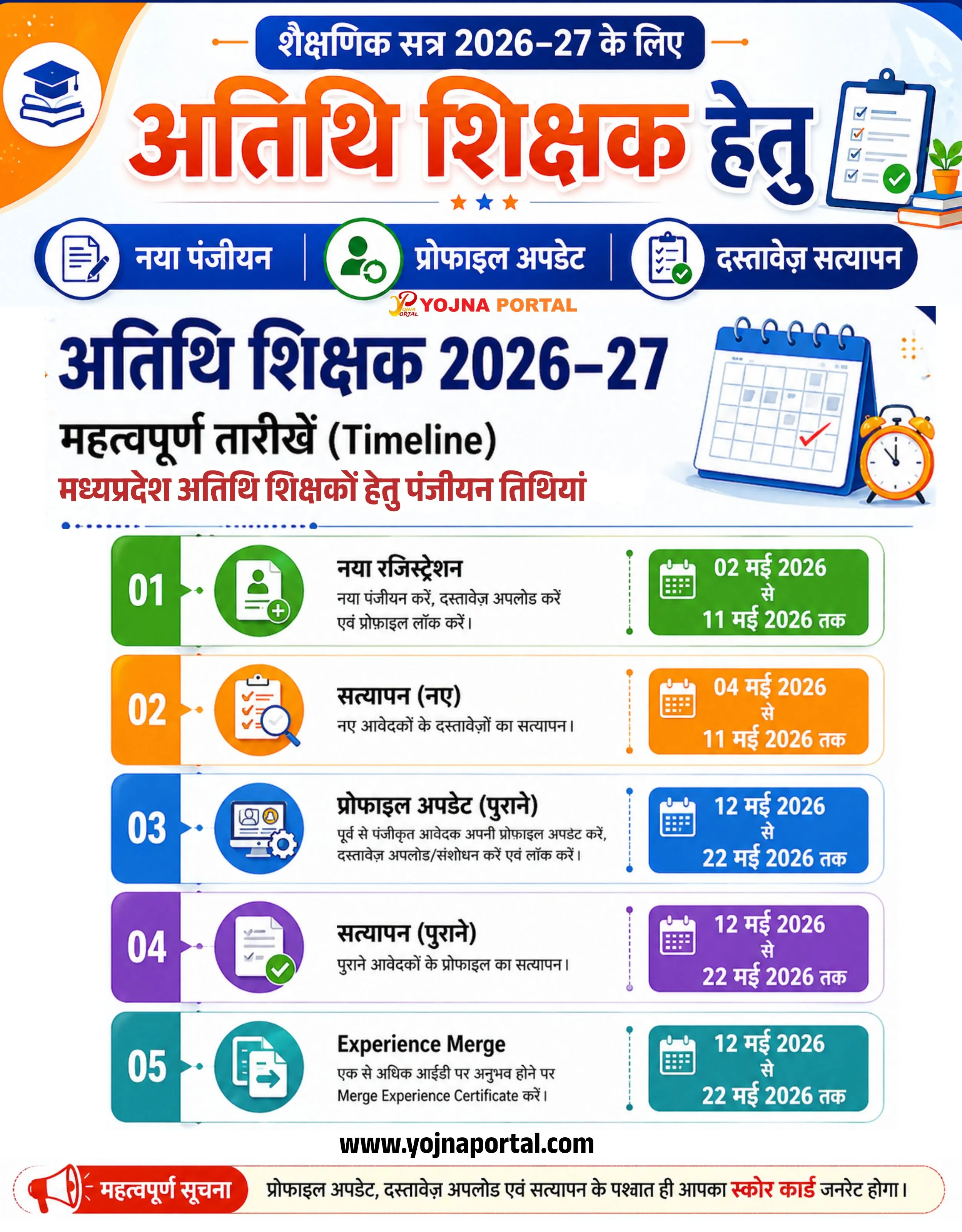
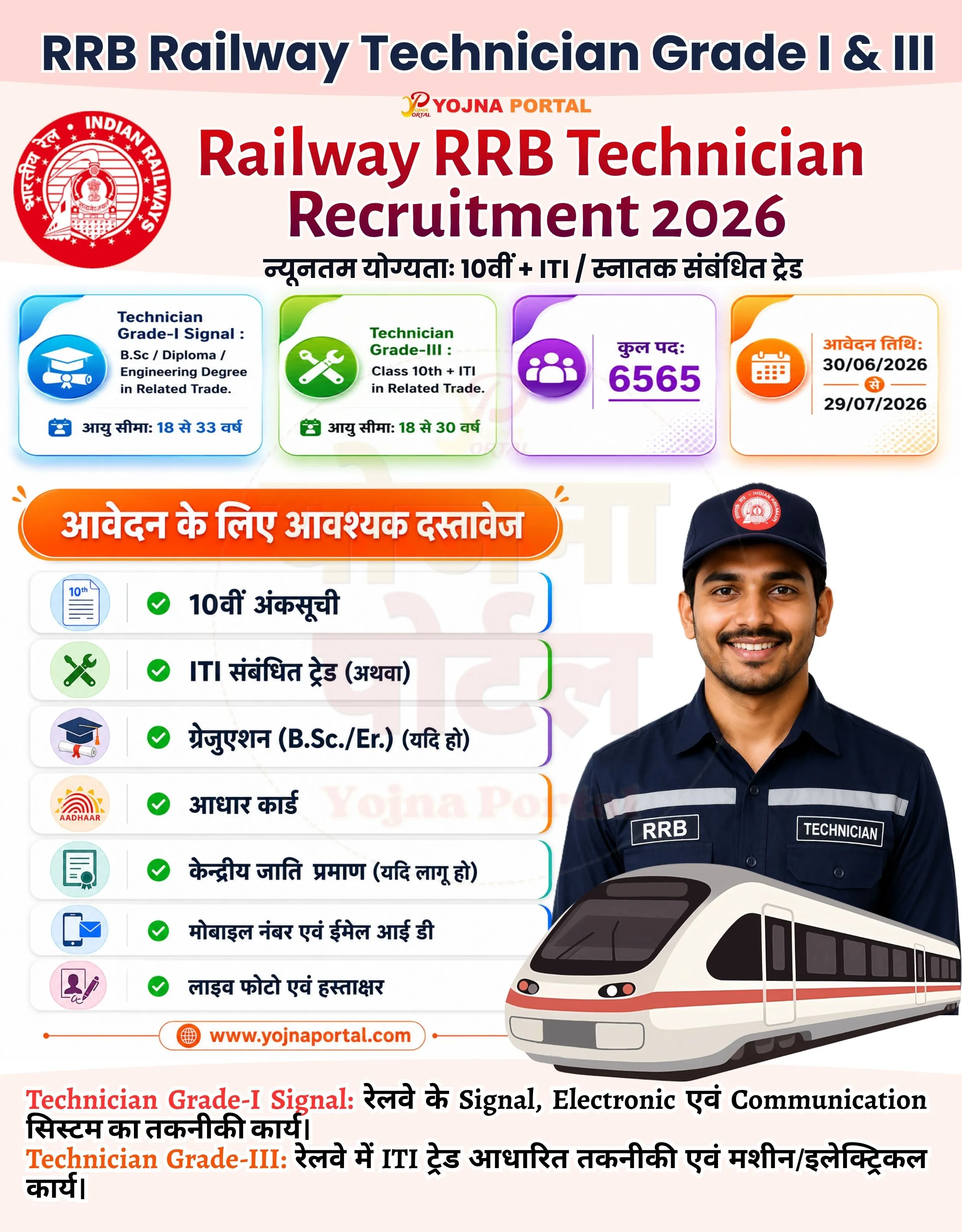
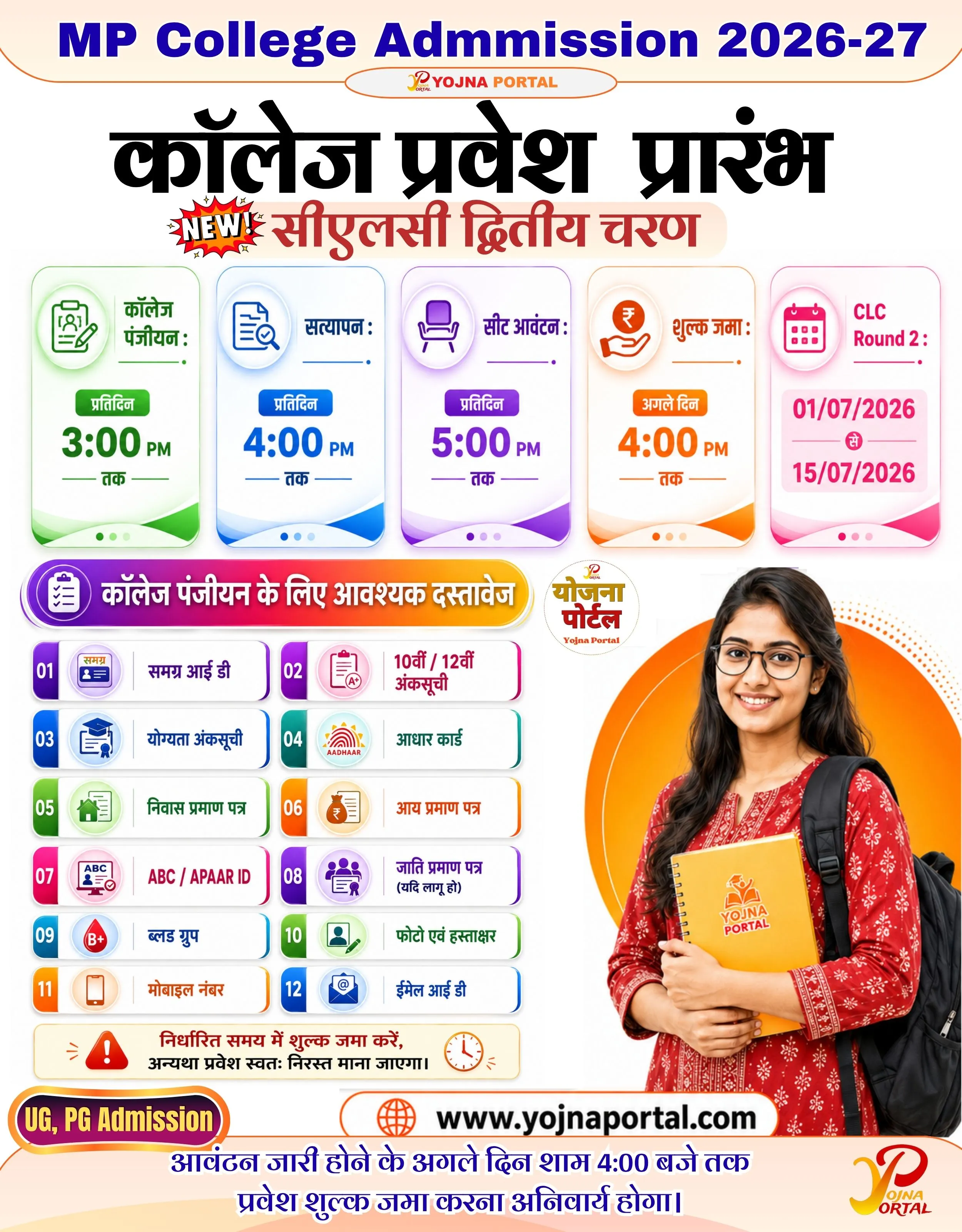
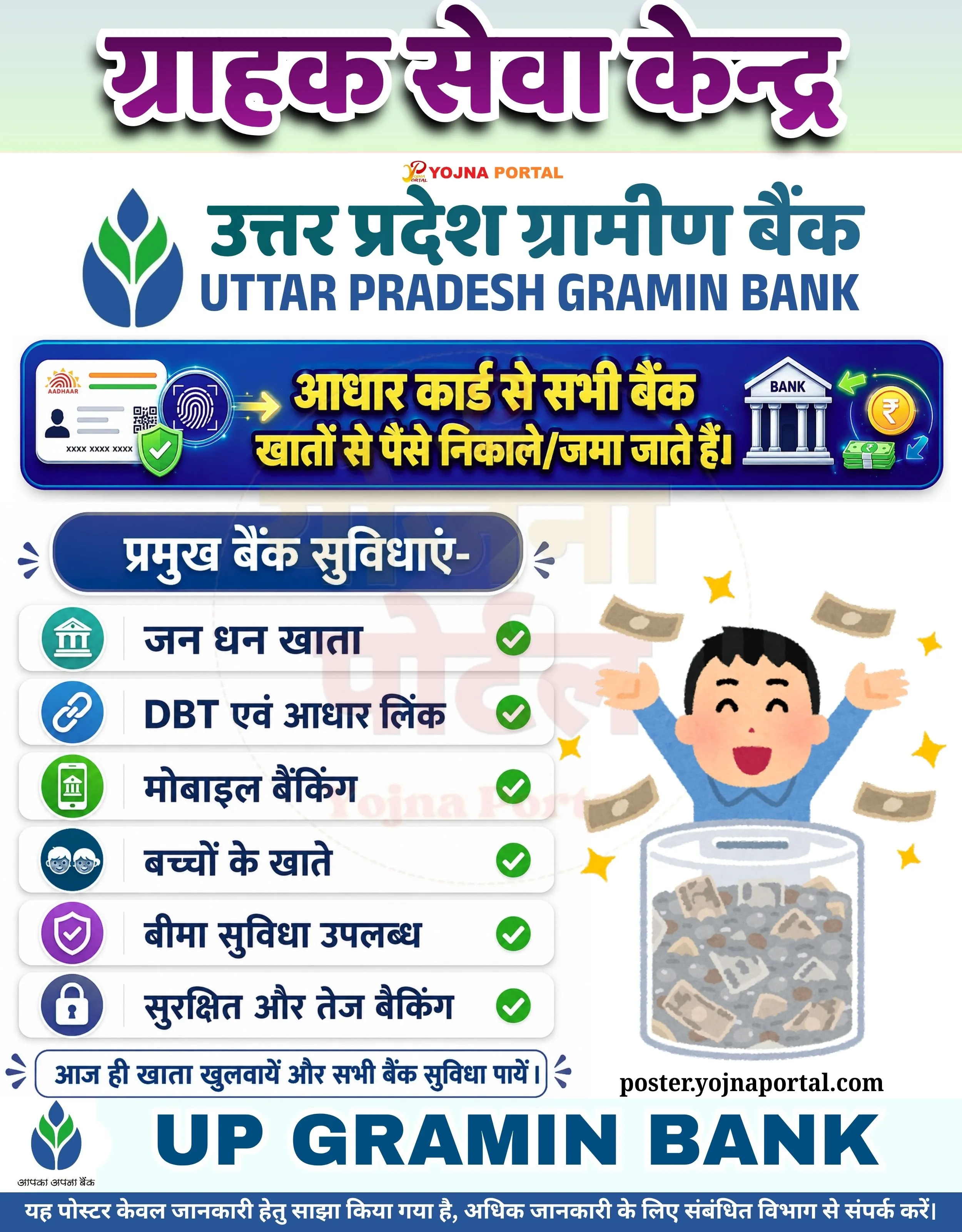
MP Guest Teacher 2026-27 Related Poster Details
⚠️ Disclaimer:
यह पोस्टर केवल सामान्य जानकारी प्रदान करने के उद्देश्य से बनाया गया है।
हम यह सुनिश्चित नहीं करते कि ऊपर दी गई सभी जानकारी पूर्णतः सही, सटीक एवं समयानुसार अपडेट हो।
संबंधित विभाग समय-समय पर अपनी आधिकारिक वेबसाइट पर जानकारी में बदलाव कर सकते हैं।
यह वेबसाइट किसी भी सरकारी विभाग, बैंक, संस्था या संगठन की आधिकारिक वेबसाइट नहीं है।
सभी योजनाओं, लोगो, नाम एवं ट्रेडमार्क का अधिकार उनके संबंधित विभागों एवं संस्थाओं के पास सुरक्षित है।
किसी भी आवेदन, पंजीयन या सेवा का लाभ लेने से पहले संबंधित विभाग की आधिकारिक वेबसाइट या कार्यालय से जानकारी अवश्य सत्यापित करें।
🧠 MP Guest Teacher 2026-27 / Banner Generation Prompt
Create a highly detailed vertical government-style informational poster (approx. 1000x1280 px) with a clean, modern infographic layout.

BACKGROUND:
Use a soft light grey to white gradient background with subtle abstract shapes and faint circular patterns. Add a slight vignette effect and smooth shadows to give depth. The edges should have rounded corners and a thin dark blue border line framing the poster.

TOP HEADER SECTION:
At the very top center, place a rounded rectangular blue label with white bold Hindi text:
“शैक्षणिक सत्र 2026–27 के लिए”

Below it, create a large bold headline in Hindi:
“अतिथि शिक्षक हेतु”

Use a mix of orange gradient (left side) and deep blue (right side) typography
Apply soft shadow and slight 3D embossed effect
Place 2–3 small decorative stars/icons below the headline (orange/blue)

LEFT TOP CORNER:
Add a circular icon with an orange gradient background containing a white graduation cap illustration.

RIGHT TOP CORNER:
Place a clipboard illustration with checkmarks and a small plant beside stacked books, giving an educational theme.

NAVIGATION STRIP (UNDER HEADER):
Create a horizontal blue rounded bar divided into three equal sections:

“नया पंजीयन” with a document icon
“प्रोफाइल अपडेट” with a user/settings icon (green circle background)
“दस्तावेज़ सत्यापन” with a checklist icon

Icons should be circular with white backgrounds and subtle shadows. Use divider lines between sections.

MIDDLE SECTION TITLE:
Center-aligned bold Hindi title:
“अतिथि शिक्षक 2026–27”

Below it:
“महत्वपूर्ण तारीखें (Timeline)”

And below that in red:
“मध्यप्रदेश अतिथि शिक्षकों हेतु पंजीयन तिथियां”

Add a thin dotted blue divider line under the title.

MAIN CONTENT (TIMELINE CARDS):
Create 5 horizontal rounded cards stacked vertically, each with soft shadow and clean spacing. Each card has three sections:

Left: Colored vertical tab with number (01 to 05)
Center: Icon + title + description
Right: Date box with calendar icon

CARD 1 (Green Theme):
Left tab: Green with “01”
Center:
Title: “नया रजिस्ट्रेशन”
Text: “नए आवेदक पोर्टल पर नया पंजीयन करें, दस्तावेज़ अपलोड करें एवं प्रोफाइल लॉक करें।”
Icon: Document with plus symbol
Right:
Green rounded box with calendar icon and text:
“02 मई 2026 से 11 मई 2026 तक”

CARD 2 (Orange Theme):
Left tab: Orange with “02”
Title: “सत्यापन (नए)”
Text: “नए आवेदकों के दस्तावेजों का सत्यापन।”
Icon: Clipboard with magnifying glass
Right:
Orange box:
“04 मई 2026 से 11 मई 2026 तक”

CARD 3 (Blue Theme):
Left tab: Blue with “03”
Title: “प्रोफाइल अपडेट (पुराने)”
Text: “पूर्व से पंजीकृत आवेदक अपनी प्रोफाइल अपडेट करें, दस्तावेज अपलोड/संशोधन करें एवं लॉक करें।”
Icon: Computer/profile gear
Right:
Blue box:
“12 मई 2026 से 22 मई 2026 तक”

CARD 4 (Purple Theme):
Left tab: Purple with “04”
Title: “सत्यापन (पुराने)”
Text: “पुराने आवेदकों के प्रोफाइल का सत्यापन।”
Icon: Checklist with tick
Right:
Purple box:
“12 मई 2026 से 22 मई 2026 तक”

CARD 5 (Teal Theme):
Left tab: Teal with “05”
Title: “Experience Merge”
Text: “एक से अधिक आईडी पर अनुभव होने पर Merge Experience Certificate करें।”
Icon: File merge symbol
Right:
Teal box:
“12 मई 2026 से 22 मई 2026 तक”

Each card should have subtle drop shadows, rounded edges, and clean spacing.

FOOTER SECTION:
Center bottom:
“www.yojnaportal.com”
 in bold black text

Below that, create a red rounded alert bar:
Left: megaphone icon
Text (Hindi):
“महत्वपूर्ण सूचना: प्रोफाइल अपडेट, दस्तावेज अपलोड एवं सत्यापन के पश्चात ही आपका स्कोर कार्ड जनरेट होगा।”
Highlight “स्कोर कार्ड” in red bold.

STYLE:

Typography: Modern, bold Hindi government style font
Colors: Blue (#1e3a8a), Orange (#f97316), Green (#22c55e), Purple (#8b5cf6), Teal (#14b8a6)
Use soft shadows, clean vector icons, and balanced spacing
Maintain high clarity and professional सरकारी infographic look
Ensure all text is crisp, aligned, and visually structured
WhatsApp Telegram YouTube Facebook Instagram X (Twitter)