
E-Token Generation System
Directorate of Farmer Welfare and Agriculture Development, Government of Madhya Pradesh
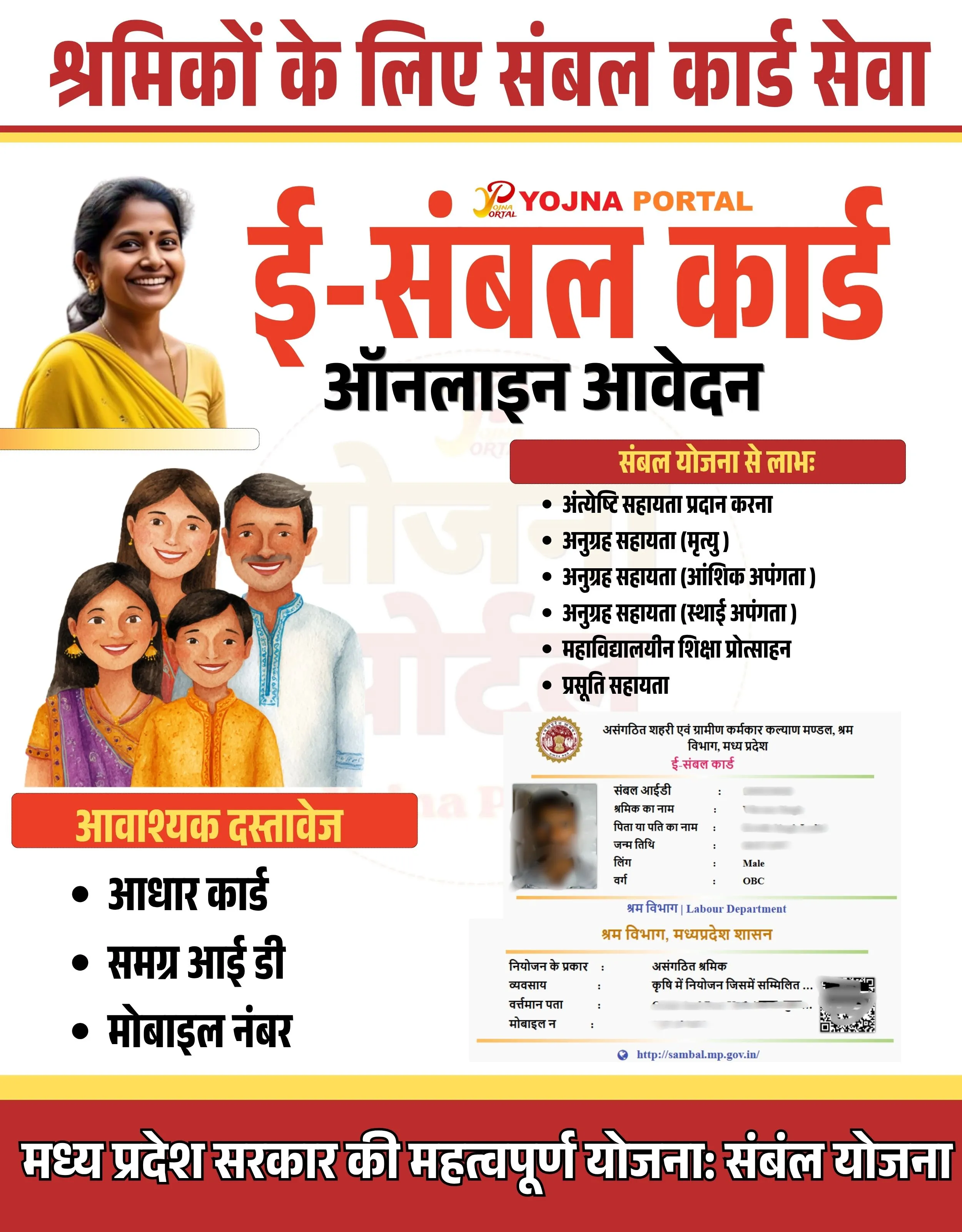
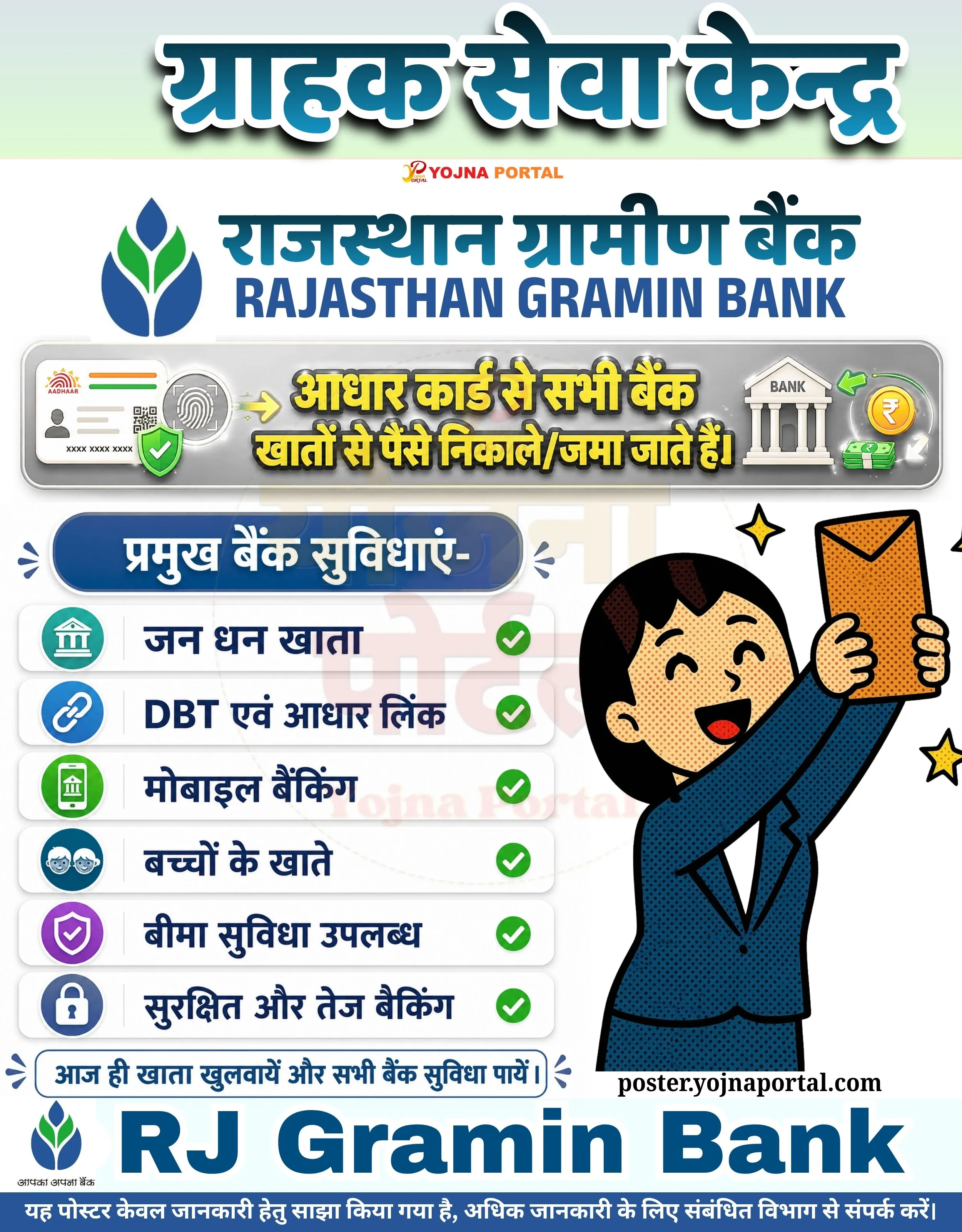
Mp E Token Generation Related Poster Details
⚠️ Disclaimer:
यह पोस्टर केवल सामान्य जानकारी प्रदान करने के उद्देश्य से बनाया गया है।
हम यह सुनिश्चित नहीं करते कि ऊपर दी गई सभी जानकारी पूर्णतः सही, सटीक एवं समयानुसार अपडेट हो।
संबंधित विभाग समय-समय पर अपनी आधिकारिक वेबसाइट पर जानकारी में बदलाव कर सकते हैं।
यह वेबसाइट किसी भी सरकारी विभाग, बैंक, संस्था या संगठन की आधिकारिक वेबसाइट नहीं है।
सभी योजनाओं, लोगो, नाम एवं ट्रेडमार्क का अधिकार उनके संबंधित विभागों एवं संस्थाओं के पास सुरक्षित है।
किसी भी आवेदन, पंजीयन या सेवा का लाभ लेने से पहले संबंधित विभाग की आधिकारिक वेबसाइट या कार्यालय से जानकारी अवश्य सत्यापित करें।
🧠 Mp E Token Generation / Banner Generation Prompt
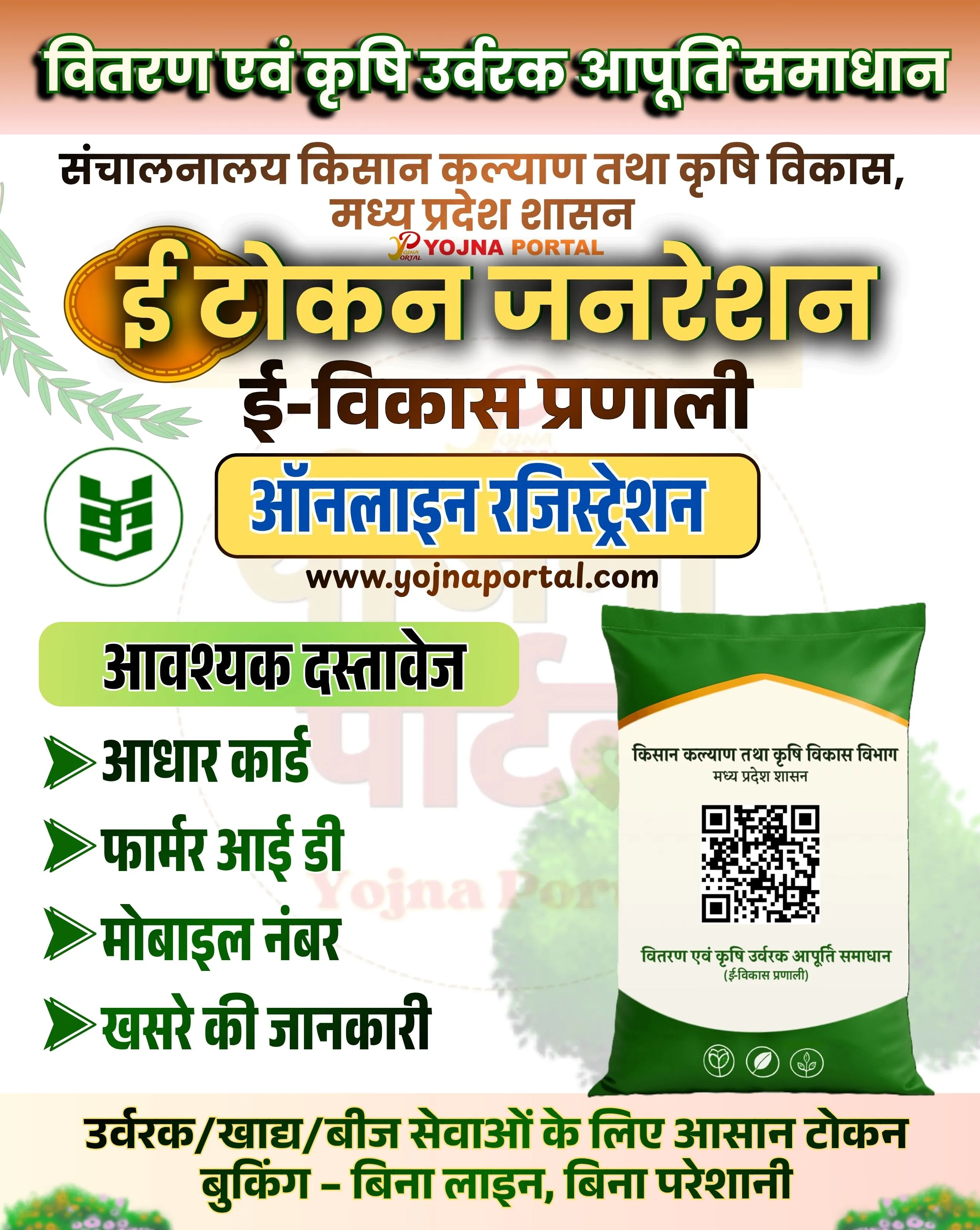
Design a vertical government-style informational poster (approx. 1000x1280 resolution) with a clean, structured layout and a soft light background. Use a subtle light beige to off-white gradient background with faint agricultural-themed watermark graphics (like crops or circular emblem shapes) in very low opacity.

TOP SECTION:
At the very top, place a bold Hindi heading in large green gradient font with black shadow and white stroke outline:
“वितरण एवं कृषि उर्वरक आपूर्ति समाधान”
The text should be center-aligned, thick, and सरकारी-style typography.

Below it, add a smaller subheading in dark brown/black Hindi font:
“संचालनालय किसान कल्याण तथा कृषि विकास, मध्य प्रदेश शासन”
Centered and neatly spaced.

Below that, place a small red “YOJNA PORTAL” logo/text in uppercase, centered.

MAIN TITLE SECTION:
Create a large central highlight title in bold yellow-golden gradient Hindi text with black shadow and green outline:
“ई टोकन जनरेशन”
This should be the most prominent element.

Below it, add:
“ई-विकास प्रणाली”
in medium-sized dark brown font, centered.

CTA BUTTON:
Under the title, place a rounded rectangular button in yellow with a blue inner text:
“ऑनलाइन रजिस्ट्रेशन”
The button should have soft shadow and look clickable.

Below the button, add the website in black:
“www.yojnaportal.com”

LEFT SECTION (DOCUMENT LIST):
Create a light green rounded box titled:
“आवश्यक दस्तावेज”
Below it, list bullet points with green arrow icons:
➤ आधार कार्ड
➤ फार्मर आई डी
➤ मोबाइल नंबर
➤ खसरे की जानकारी
Text should be bold and dark green.

Also include a circular green agriculture icon/logo on the left side (simple emblem style).

RIGHT SECTION (VISUAL OBJECT):
Place a realistic green fertilizer bag (3D rendered) on the right side.
The bag should have:

White center panel
QR code in the middle
Hindi text on bag:
“किसान कल्याण तथा कृषि विकास विभाग
मध्य प्रदेश शासन”
Bottom icons representing agriculture (leaf, plant symbols)

The bag should have realistic shading, folds, and a slight shadow beneath it.

BOTTOM SECTION:
Add a bold green Hindi sentence across the bottom:
“उर्वरक/खाद/बीज सेवाओं के लिए आसान टोकन बुकिंग - बिना लाइन, बिना परेशानी”
Use thick font with high contrast.

Decorate bottom corners with small grass/plant illustrations in soft green tones.

STYLE & DESIGN:

Use clean सरकारी poster style
Fonts: bold, high readability Hindi fonts
Colors: green (#2e7d32), yellow (#fbc02d), white, dark brown, light beige
Soft shadows under major elements
Balanced left-right composition (text left, object right)
Clear spacing and alignment
No extra elements beyond described content

Ensure the layout matches a professional Indian government scheme awareness banner.
WhatsApp Telegram YouTube Facebook Instagram X (Twitter)