
MP Domicile Certificate Online Application
Apply online for Madhya Pradesh Residence Certificate easily with required documents
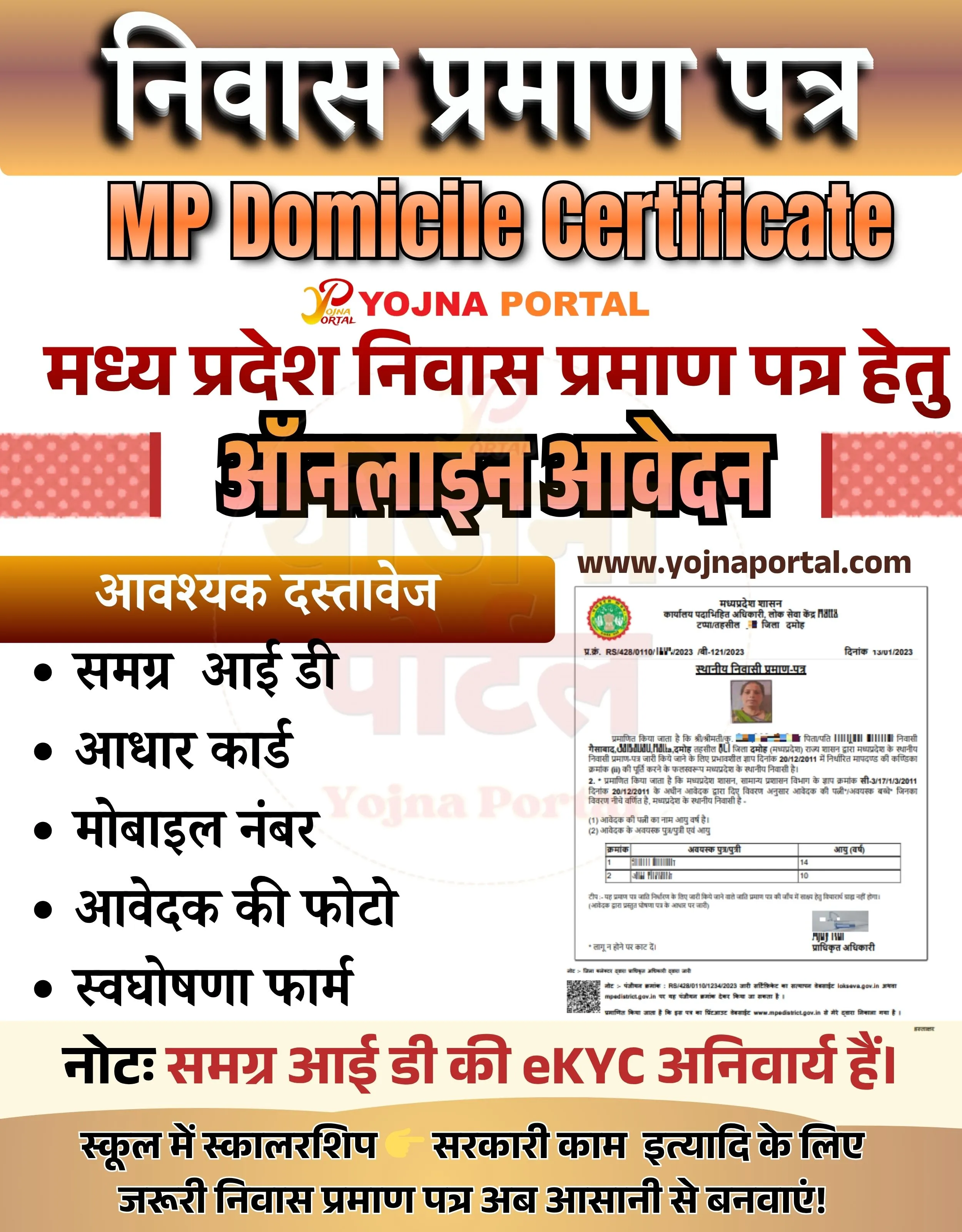
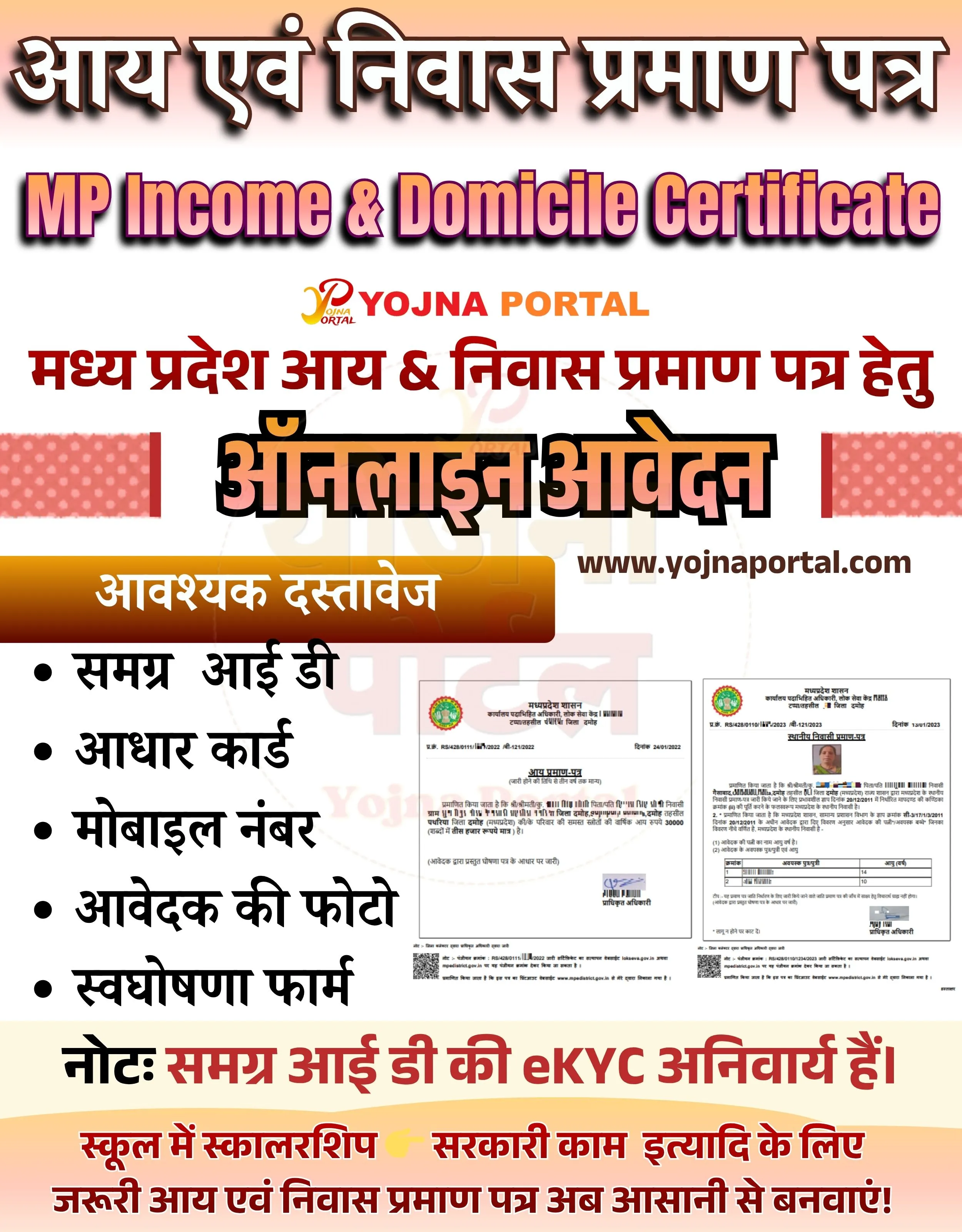
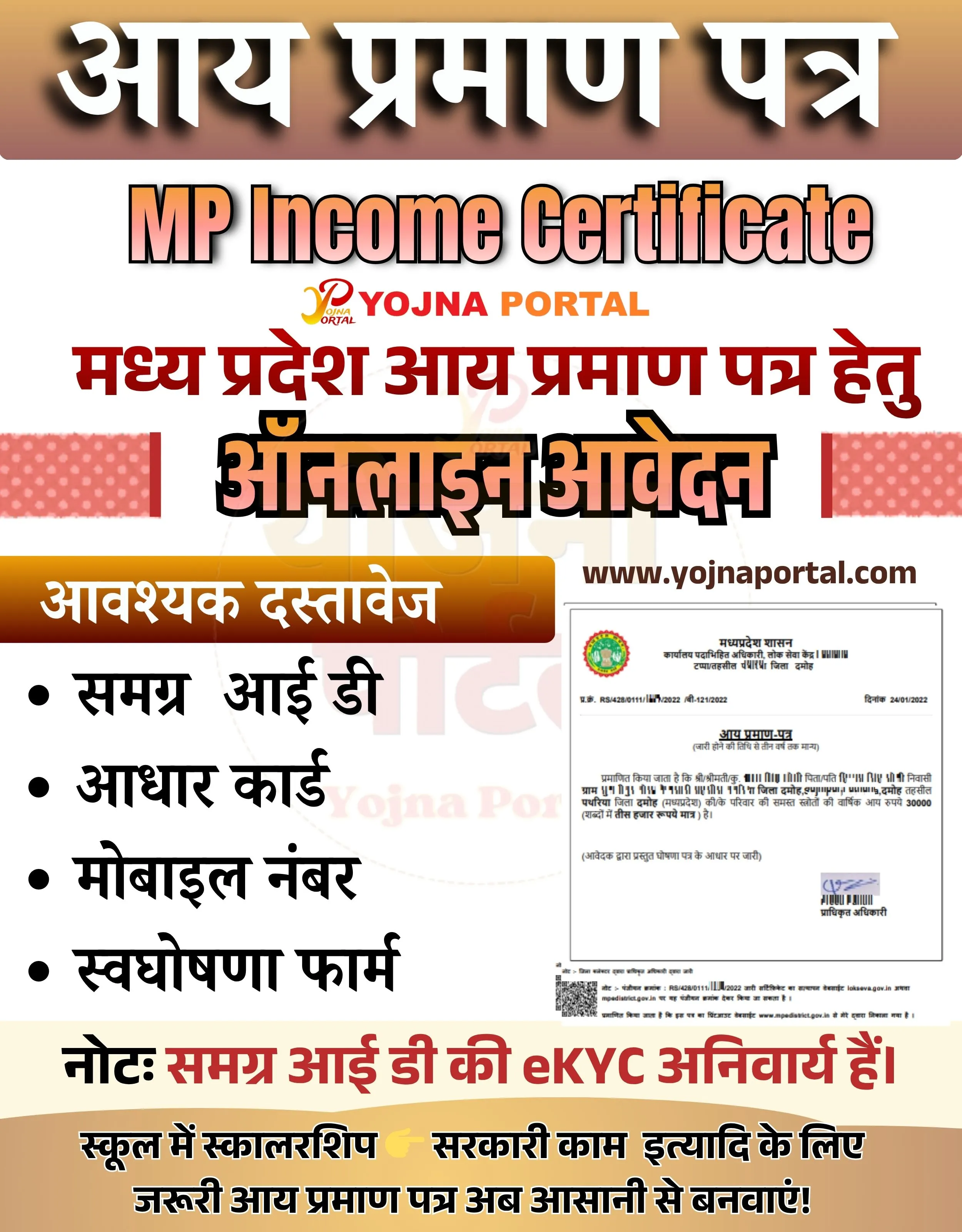
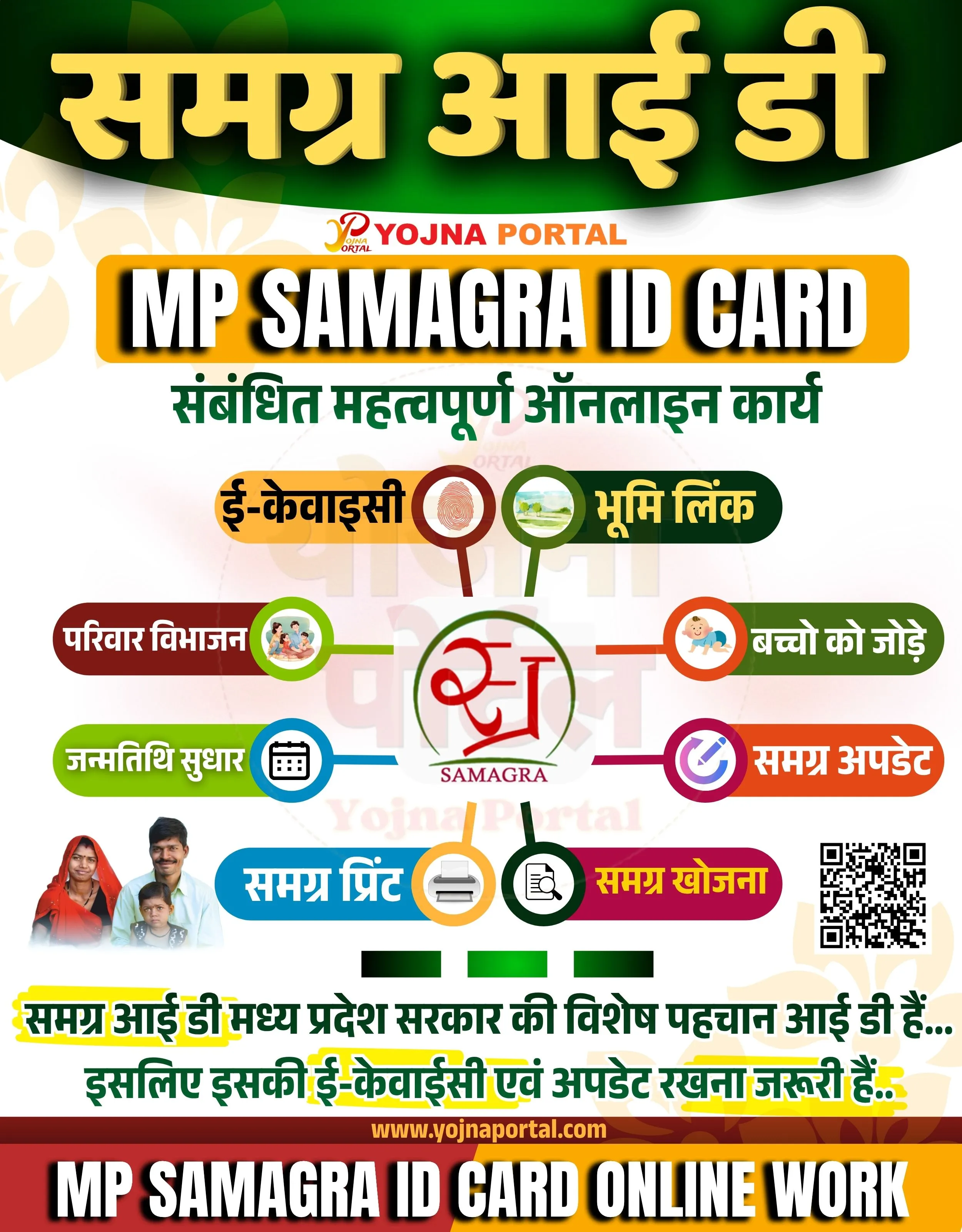

Mp Domicile Certificate Related Poster Details
यह पोस्टर केवल सामान्य जानकारी प्रदान करने के उद्देश्य से बनाया गया है।
हम यह सुनिश्चित नहीं करते कि ऊपर दी गई सभी जानकारी पूर्णतः सही, सटीक एवं समयानुसार अपडेट हो।
संबंधित विभाग समय-समय पर अपनी आधिकारिक वेबसाइट पर जानकारी में बदलाव कर सकते हैं।
यह वेबसाइट किसी भी सरकारी विभाग, बैंक, संस्था या संगठन की आधिकारिक वेबसाइट नहीं है।
सभी योजनाओं, लोगो, नाम एवं ट्रेडमार्क का अधिकार उनके संबंधित विभागों एवं संस्थाओं के पास सुरक्षित है।
किसी भी आवेदन, पंजीयन या सेवा का लाभ लेने से पहले संबंधित विभाग की आधिकारिक वेबसाइट या कार्यालय से जानकारी अवश्य सत्यापित करें।
📢 Short Sharing (Hindi)
🚨 मध्य प्रदेश निवास प्रमाण पत्र ऑनलाइन आवेदन शुरू
💰 जरूरी दस्तावेज के साथ अभी आवेदन करें
📢 अधिक जानकारी के लिए देखें
👉 www.yojnaportal.com
📢 Full Sharing (Hindi)
🚨 मध्य प्रदेश निवास प्रमाण पत्र आवेदन शुरू!

💰 अब घर बैठे बनवाएं निवास प्रमाण पत्र
📢 Samagra ID की eKYC अनिवार्य है

📄 आवश्यक दस्तावेज:
✔ समग्र आईडी
✔ आधार कार्ड
✔ मोबाइल नंबर
✔ आवेदक की फोटो
✔ स्वघोषणा फॉर्म

👉 अधिक जानें: www.yojnaportal.com

#MPDomicile #NiwasPramanPatra #OnlineApply #YojnaPortal
✨Mp Domicile Certificate Key Highlights
- Online application for MP Domicile Certificate
- Required documents include Samagra ID and Aadhaar Card
- eKYC of Samagra ID is mandatory
- Useful for scholarship and government work
📌 Important Details of Mp Domicile Certificate
- Applicant must have Samagra ID
- Aadhaar Card is required for verification
- Mobile number should be active for OTP
- Applicant photo and self-declaration form needed
📖 About Mp Domicile Certificate Poster
MP Domicile Certificate is an important document used for proving residence in Madhya Pradesh.
It is required for school scholarships, government schemes, and various official purposes.
🧠 Mp Domicile Certificate / Banner Generation Prompt
Create a vertical government-style informational banner (approx. size 1000x1280) with a clean, structured layout and high contrast typography.

BACKGROUND:
Top section has a smooth orange to light beige gradient (warm tones). Middle background is light grey/white. Bottom section transitions into a soft beige/light brown curved footer. Subtle soft shadow overlays and faint watermark-style circular logo (Yojna Portal style) lightly visible in the center background.

TOP HEADER:
At the very top, place large bold Hindi text in white with black drop shadow:
“निवास प्रमाण पत्र”
Font: Heavy, bold, सरकारी style with strong shadow depth.
Below it, centered, place large English text:
“MP Domicile Certificate”
Font: Bold, sans-serif, gradient orange fill with black outline and shadow.

Below that, place a small logo text:
“Yojna Portal”
Stylized with a mix of red and orange colors, slightly italic, centered.

MAIN HEADING (CENTER):
In bold red Hindi text:
“मध्य प्रदेश निवास प्रमाण पत्र हेतु”
Below it, very large bold black Hindi text with orange outline:
“ऑनलाइन आवेदन”
Font: Extra bold, thick, high contrast, central focus.

SIDE DECOR:
On both left and right sides of this main heading area, add small red patterned rectangular strips (decorative blocks).

MIDDLE SECTION (CONTENT SPLIT):
LEFT SIDE:
A rounded rectangular orange gradient box with white Hindi text:
“आवश्यक दस्तावेज”

Below it, a bullet list in black Hindi text:
• समग्र आई डी
• आधार कार्ड
• मोबाइल नंबर
• आवेदक की फोटो
• स्वघोषणा फॉर्म

Font: clean, bold Hindi font, aligned left, evenly spaced.

RIGHT SIDE:
Place a sample image of a government domicile certificate (document preview).
It should include:

A small circular state emblem/logo at top
Hindi text lines
A small passport-size photo on right side
QR code at bottom
Signature area
Ensure it looks like an official printed document.

Above this image, place website text:
“www.yojnaportal.com”

Font: bold, dark color.

NOTE SECTION:
Below middle content, add a highlighted line in Hindi:
“नोट: समग्र आई डी की eKYC अनिवार्य है।”
Font: bold red for “नोट:” and black for rest.

BOTTOM FOOTER:
A curved beige/light brown section with bold Hindi text:
“स्कूल में स्कालरशिप 👉 सरकारी काम इत्यादि के लिए जरूरी निवास प्रमाण पत्र अब आसानी से बनवाएं!”
Include a pointing finger emoji icon.

TYPOGRAPHY & STYLE:

Use bold, सरकारी style fonts
Strong shadows behind headings
Clear hierarchy: header > main heading > sub content
Colors: Orange (#f57c00), Red (#c62828), Black, White, Beige
Clean spacing and alignment
Poster style used in CSC / MP Online centers

Ensure the layout is symmetrical, clean, and visually appealing, replicating a real Indian government service banner.
WhatsApp Telegram YouTube Facebook Instagram X (Twitter)