
Social Security Pension Scheme
Online Application for Old Age, Disabled and Widow Pension Assistance
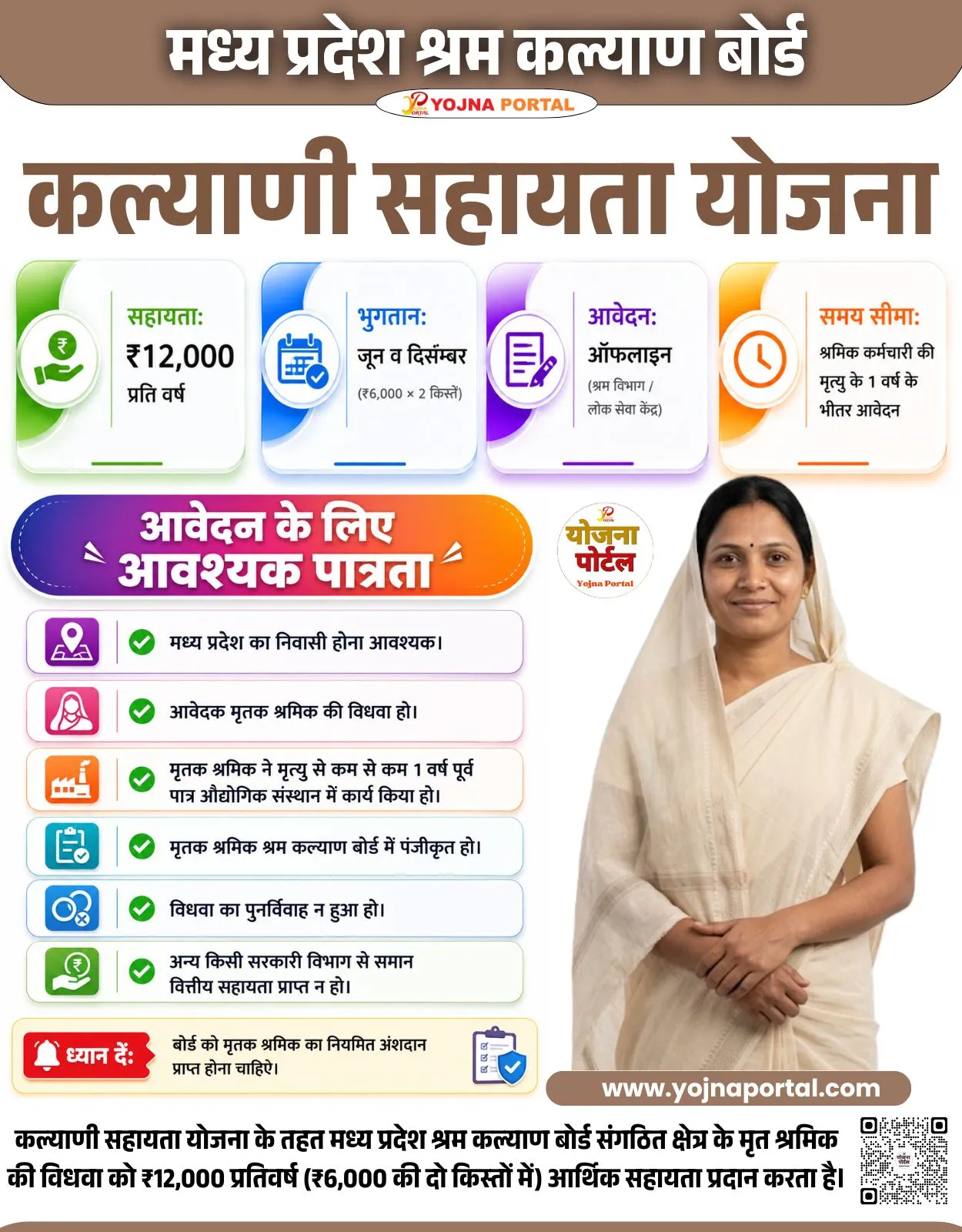
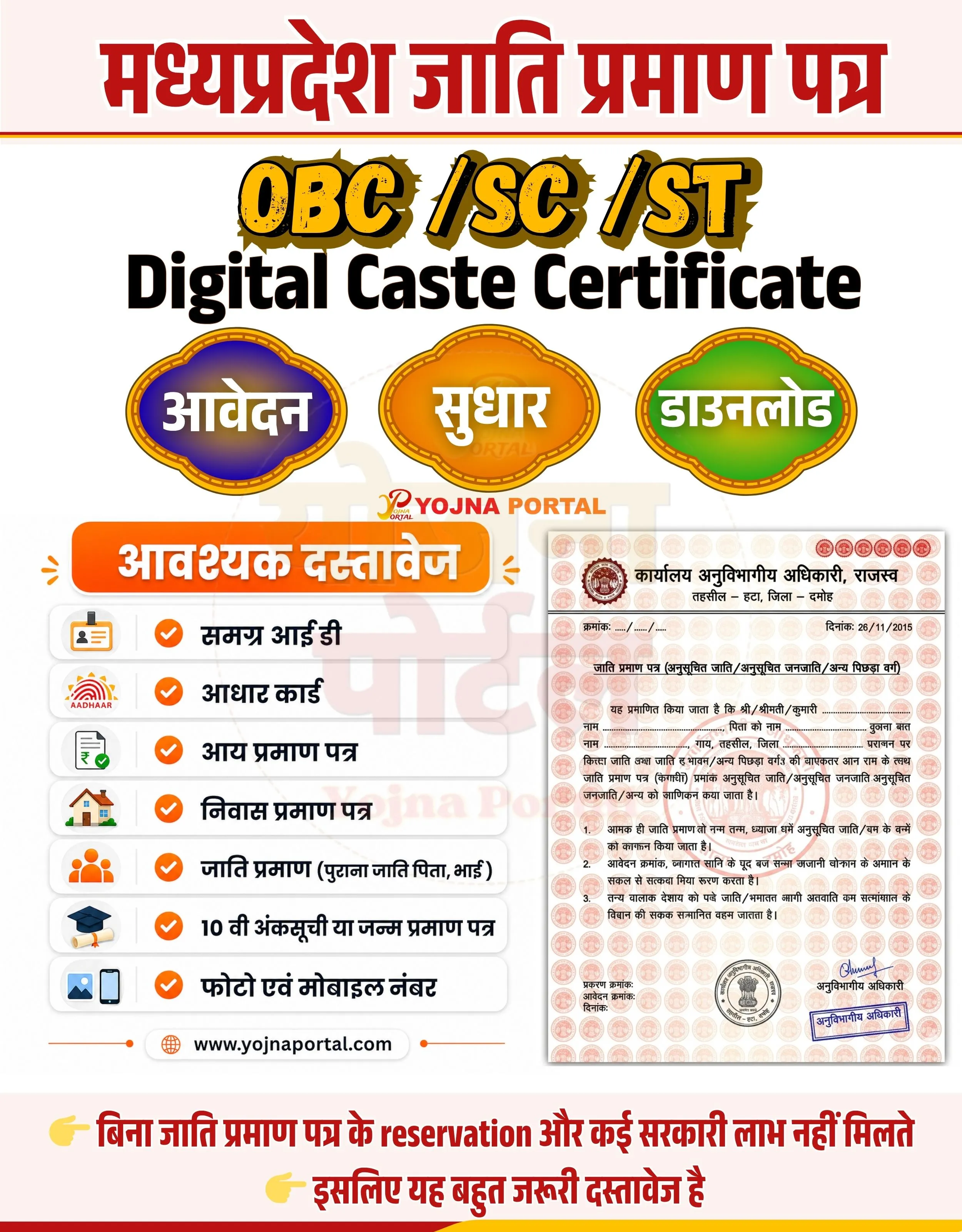
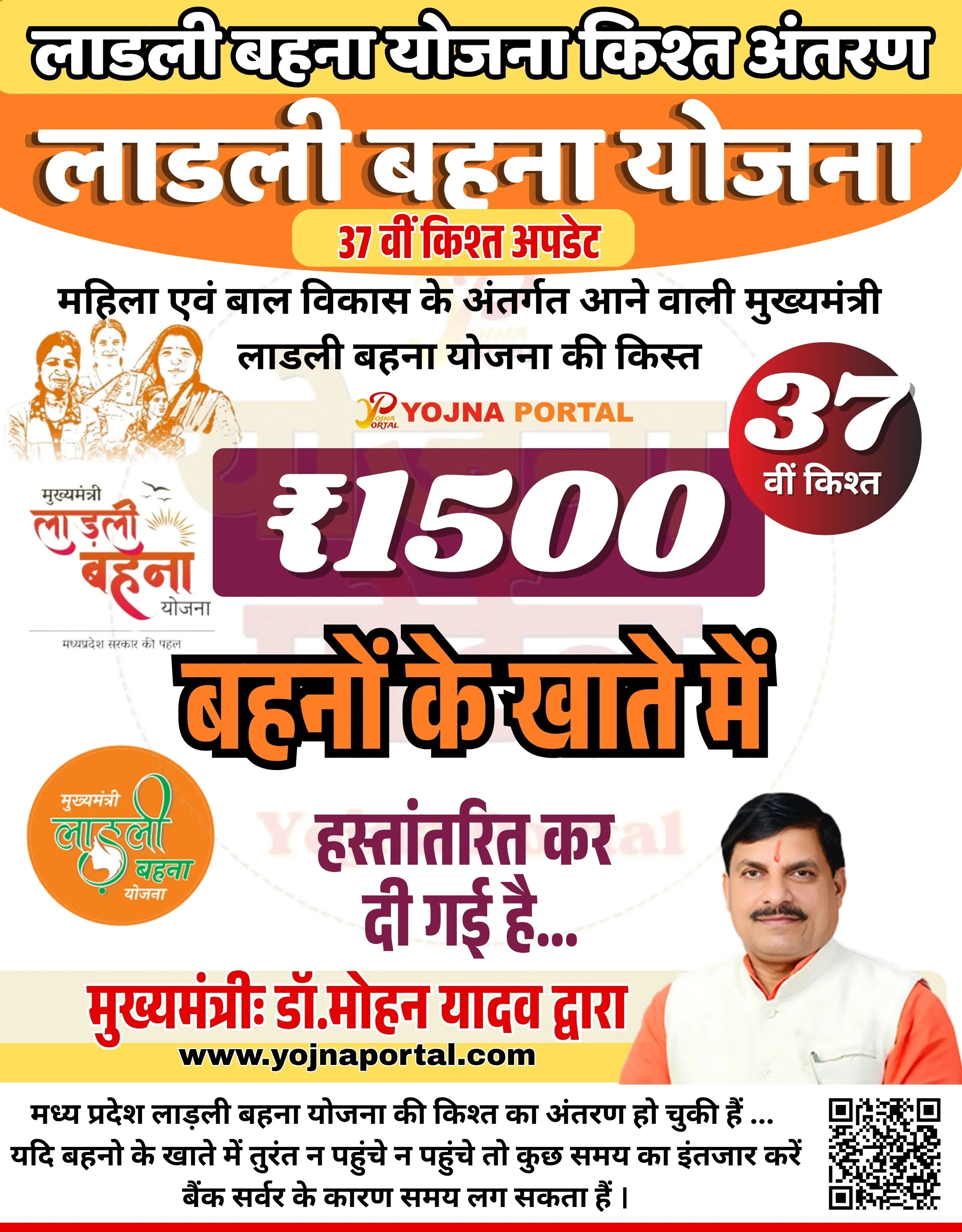
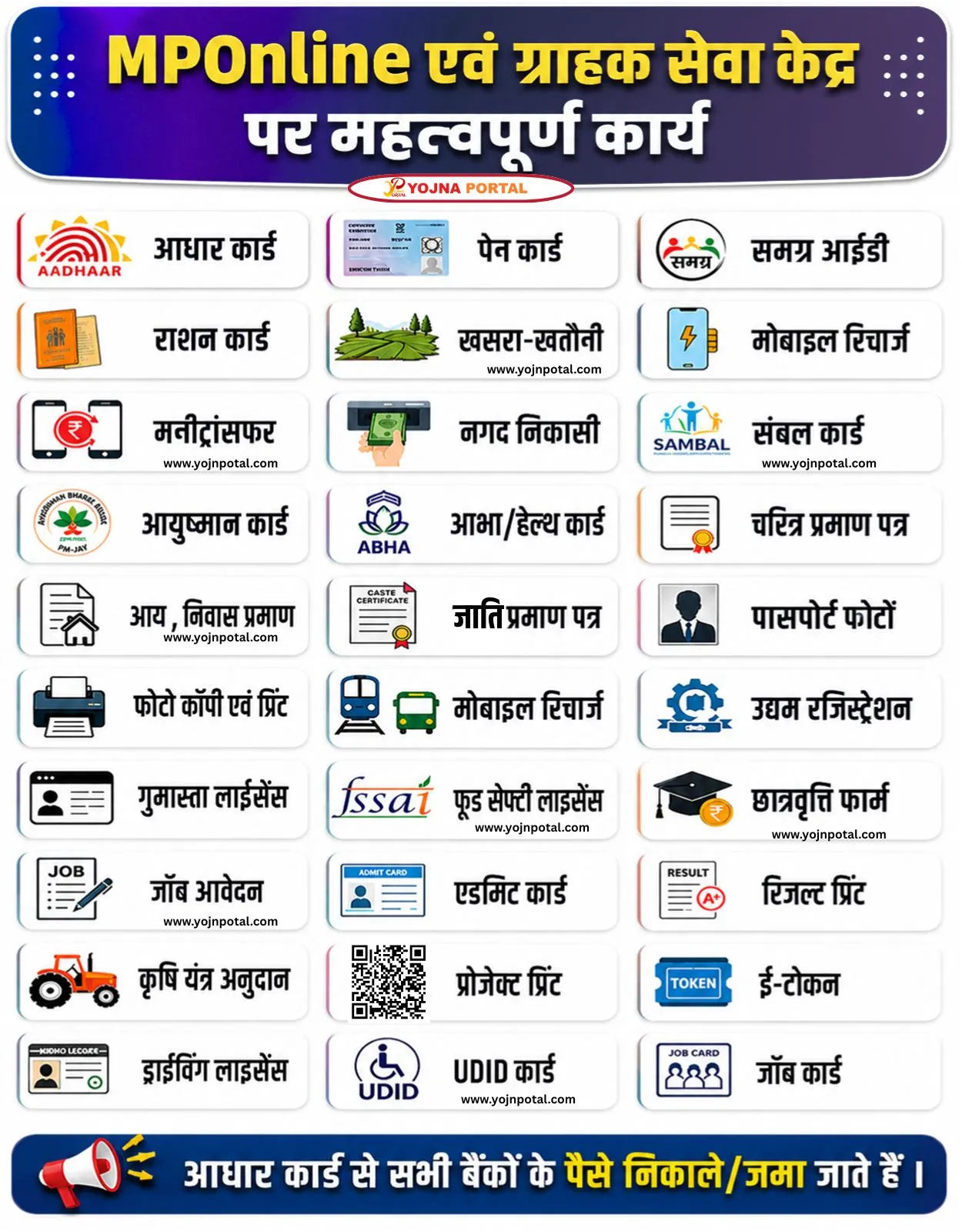
MP Social Security Pension Scheme Related Poster Details
यह पोस्टर केवल सामान्य जानकारी प्रदान करने के उद्देश्य से बनाया गया है।
हम यह सुनिश्चित नहीं करते कि ऊपर दी गई सभी जानकारी पूर्णतः सही, सटीक एवं समयानुसार अपडेट हो।
संबंधित विभाग समय-समय पर अपनी आधिकारिक वेबसाइट पर जानकारी में बदलाव कर सकते हैं।
यह वेबसाइट किसी भी सरकारी विभाग, बैंक, संस्था या संगठन की आधिकारिक वेबसाइट नहीं है।
सभी योजनाओं, लोगो, नाम एवं ट्रेडमार्क का अधिकार उनके संबंधित विभागों एवं संस्थाओं के पास सुरक्षित है।
किसी भी आवेदन, पंजीयन या सेवा का लाभ लेने से पहले संबंधित विभाग की आधिकारिक वेबसाइट या कार्यालय से जानकारी अवश्य सत्यापित करें।
✨MP Social Security Pension Scheme Key Highlights
- Online application facility available
- Pension support for elderly, disabled and widows
- Simple documentation process
- Direct benefit transfer to bank account
📌 Important Details of MP Social Security Pension Scheme
- Aadhaar Card is mandatory
- Samagra ID required
- Active bank account with passbook
- Registered mobile number and photo needed
📖 About MP Social Security Pension Scheme Poster
This poster provides information about the Madhya Pradesh Social Security Pension Scheme.
It highlights eligibility categories, required documents and online application process.
🧠 MP Social Security Pension Scheme / Banner Generation Prompt
Design a professional Indian government-style informational banner/poster in vertical format (approx. 1000x1280).

BACKGROUND:
Use a clean light grey to white background with a soft subtle watermark of “Yojna Portal” faintly visible in the center. At the very top, add a curved abstract wave header with a smooth gradient from deep blue (left) to teal green (right). At the bottom, include a curved layered wave design in dark teal, maroon, and green shades.

TOP SECTION:
Place a bold Hindi title centered inside the top gradient wave:
“सामाजिक सुरक्षा पेंशन, मध्य प्रदेश”
Use white bold Devanagari font with a slight drop shadow.

MAIN HEADING:
Below the header, place a large bold headline in Hindi:
“सामाजिक सुरक्षा पेंशन”
Use a dark purple color, thick modern government-style font, centered and highly prominent.

SUBTEXT:
Below the main heading, add:
“वृद्ध / दिव्यांग / विधवा इत्यादि”
in dark brown bold font.
Below that, smaller text:
“पेंशन सहायता हेतु”

CALL TO ACTION BUTTON:
Add a wide rounded rectangular button in yellow-gold gradient with soft shadow:
Text inside:
“ऑनलाइन आवेदन”
in bold Hindi font (dark brown or black).
Below or near it, small red text/logo:
“YOJNA PORTAL”

LEFT ICON SECTION:
On the left side near the button, place a circular icon group:
Include icons for:

Old age (elderly couple silhouette)
Disability (wheelchair symbol)
Widow (female silhouette)
Use a blue/white circular badge style.

RIGHT ILLUSTRATION:
On the right side of the mid-section, place an illustration of:

An elderly person sitting in a wheelchair
A young woman standing beside assisting
Use soft illustration style with natural shadows extending to the right bottom.

DOCUMENTS SECTION:
Below, create a green rounded rectangular label:
“आवश्यक दस्तावेज”
in white bold Hindi font.

Under this, list items vertically aligned left:
Each item with a colored circular number badge:
1 (light green): आधार कार्ड
2 (blue): समग्र आई डी
3 (yellow): बैंक खाता पासबुक
4 (red): मोबाइल नंबर
5 (purple): फोटो

Use bold black Hindi text for each item.

BOTTOM RIGHT IMAGE:
Place a high-quality photo of a happy elderly Indian couple walking together, smiling, slightly overlapping the bottom wave. Add soft shadow beneath them.

FOOTER:
At bottom left above the wave:
“www.yojnaportal.com”
 in purple bold text.

BOTTOM CTA TEXT:
Across the bottom wave area, place large bold English text:
“Online Pension Apply Form”
in yellow font with black outline/shadow.

STYLE & DETAILS:

Use clean सरकारी poster style typography
Maintain balanced spacing and alignment
Use subtle drop shadows for depth
Colors should be vibrant but professional
Ensure hierarchy: Header → Title → CTA → Details → Footer

The final composition should closely match a government awareness banner with structured sections, clean layout, and clear visual hierarchy.
WhatsApp Telegram YouTube Facebook Instagram X (Twitter)